




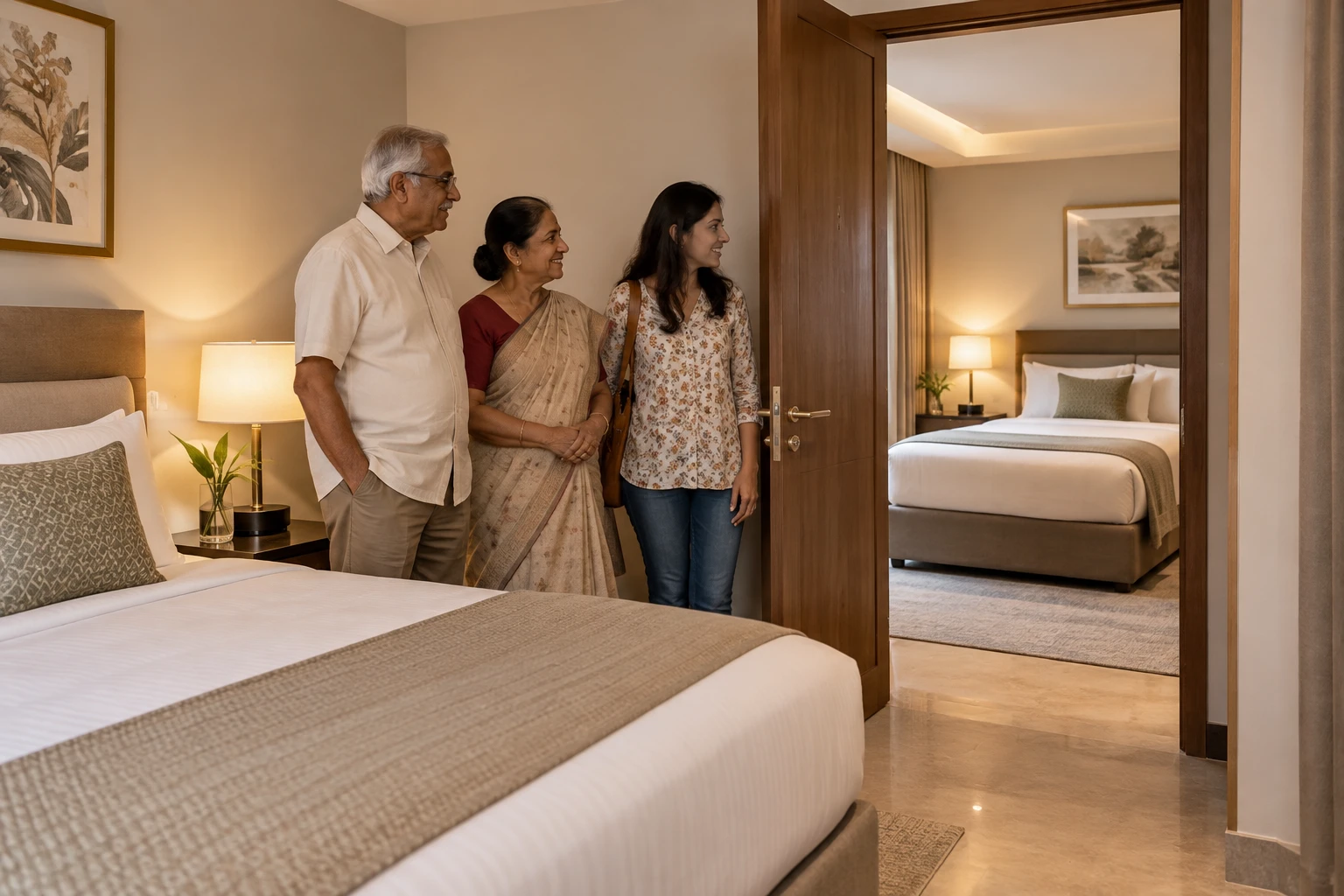
If parents and children need to move between two hotel rooms without stepping into the corridor, make that physical arrangement part of the booking decision. Two rooms, one reservation or a note saying “near each other” does not by itself describe an internal door.
This guide is about confirming the room layout. It does not establish availability, a universal hotel guarantee or a particular property's child-supervision or occupancy policy.
Illustrative family and fictional connecting bedrooms, not a photograph or booking promise from a real hotel.
Describe the door instead of relying on a label
Ask: “Do these two bedrooms have a private internal connecting door, so we can pass between them without entering the public corridor?” Then ask which exact room categories form the pair. Do not assume “adjoining”, “adjacent”, “family rooms” or “same floor” means that layout at every property.
Request a room plan or current photographs of the connecting doorway if the layout matters. Check whether both sides can be opened during the stay, how the door locks and whether the connection is private to those rooms. A picture of one bedroom cannot settle the relationship between two rooms.
Separate a request from a confirmed room product
Look at the actual booking confirmation and ask the property whether it is confirming the connection or only recording a preference. “Subject to availability at check-in” leaves a decision open. A staff member saying the hotel has connecting rooms does not confirm that a pair is held for your dates.
Hilton offers one specific example: its official Confirmed Connecting Rooms page describes booking and instantly confirming connecting rooms through Hilton.com or the Hilton Honors app. That is an identified booking route, not evidence that every two-room reservation at every Hilton or another chain is connected. Check the room selection and the confirmation for your own stay.
If the connection is essential, ask what happens if the promised arrangement cannot be provided, including the alternative rooms and any cancellation or payment consequences. Do not assume a free move, refund or upgrade.
Check both rooms, not just the doorway
Record each room's bed type, permitted occupants, children's ages, bathroom and any extra-bed arrangement. Confirm the total for both rooms, taxes, breakfast for the actual people, deposits and cancellation terms. A connecting door does not increase either room's permitted occupancy.
For parents, check the whole route from drop-off to both rooms, including steps, lift access and the bathroom they will actually use. A connection to the family's room does not make either bedroom accessible. Keep any room-access requirements separate from the connecting-door request.
Keep the plan usable if the rooms change
Give the hotel both reservation references if the rooms were booked separately. Ask it to note who is staying in each room and confirm whether changes to one reservation affect the pair. Recheck after a date, room-category or occupancy change.
At arrival, confirm the room pair before unpacking and check the internal door with staff. If the arrangement differs, settle the alternative before assuming a corridor-separated room works for a child or a parent who needs help. Do not leave supervision or support to an untested layout.
The Trip Keeper planning check
Keep the confirmed requirement in one sentence: the named room pair, private internal door, occupants and dates. Put the property's answer beside the cancellation terms. If the answer only records a request, keep it marked unconfirmed and decide whether that uncertainty is acceptable before paying a non-refundable rate.
Source and limits
Hilton: Confirmed Connecting Rooms, checked 5 November 2026. This source supports Hilton's described booking feature. It does not confirm any particular room pair, rate or availability, or another hotel's terminology and terms.

A Miranda House graduate and lawyer who traded courtrooms for slow travel. Cheshta travels with the batches we host ourselves, with a soft spot for travelling alongside elders.
Planning your next trip?
We'll handle insurance, hotels, airport assistance and the itinerary — the same way we do it for every trip.
Questions on this article
asked by readers, answered by us
Was this helpful?
one tap, no sign-up