




- TICKET
- open original record
- GATE
- entry or exit?
- PAYMENT
- keep reference
- HELP
- ask before rebuying
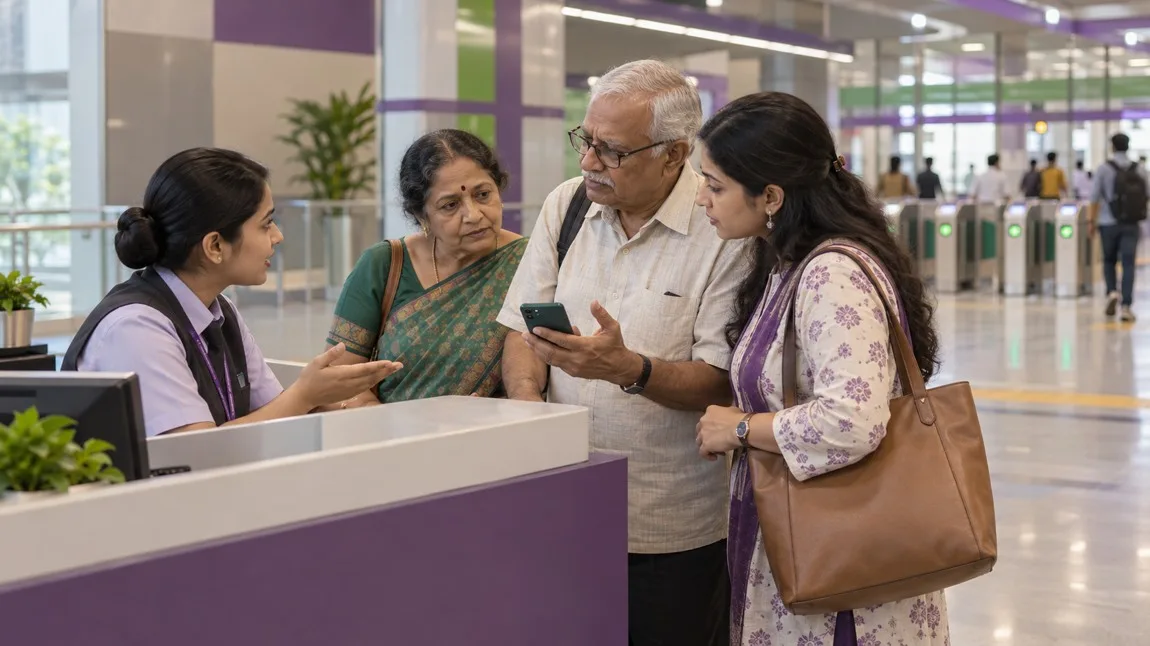
Illustration: a fictional family asks at a generic metro help desk. No actual Bengaluru station, failed ticket, gate error or staff intervention is shown.
If your Namma Metro QR will not scan, ask station staff to check the ticket and gate status before buying again. A missing ticket, an entry rejection and an exit rejection are different problems. This guide does not establish a right to pass on payment proof, a free replacement or a refund for a second purchase.
First describe the failure correctly
Step aside from the moving queue without crossing the barrier. Say which station you are at, whether you are outside or inside the paid area, and whether this is entry or exit. Keep the actual ticket/order open if available. Read the displayed message rather than guessing that every failure means an expired ticket.
BMRCL's official tickets page describes QR ticketing and distinguishes payment, QR generation and use at entry/exit. The retrieved page is undated and much of its content is Kannada even on the English-domain route. It does not provide a dated, case-specific failed-scan instruction here. Its linked video is not an on-site gate test by us.
A failed-scan decision tree
This original worksheet is a preparation aid, not an operator decision or automatic gate-unlock procedure.
| What you actually see | What to ask before another payment |
|---|---|
| Money debited, but no journey ticket opens | Ask the purchase channel whether a ticket was issued and how to retrieve that order. Tell station staff no ticket is available; do not treat a bank-success screen as the missing QR. |
| A QR opens but entry is rejected | Show staff the original ticket and exact error. Ask whether they can check its journey, current status and the appropriate scanner before deciding whether another purchase is necessary. |
| Entry worked, but exit is rejected | Say where and when you entered and show the same journey record. Ask staff to check the recorded entry and advise the exit process. Do not assume a new entry ticket fixes an exit record. |
| The screen will not load or the phone battery is failing | Ask what ticket record or assistance is available for your actual purchase. A saved picture, forwarded QR or relative's phone is not assumed valid here. |
| Several family members have different results | Identify each person's ticket and whether they are inside or outside. Do not pass a successful ticket back through the gate or assume one QR covers everyone. |
Make the ticket readable without changing its status
Open the original ticket view, check that the display is awake, and avoid covering the QR with another window or notification. If glare, a damaged screen or a dim display makes it hard to see, show staff rather than repeatedly trying random scanners. Ask which reader to use and how to present the ticket. Do not crop, edit, regenerate or repeatedly forward it as a supposed repair.
These are ordinary display checks, not verified BMRCL technical fixes. Do not assume the problem is your phone: the ticket status, journey selection, recorded entry or gate itself may need checking. We did not reproduce any of those failures.
Keep payment proof separate from ticket proof
- Journey: origin, destination, date, passenger count and the person using each ticket.
- Order: purchase channel/account, order ID, purchase time and exact status shown.
- Ticket: what actually opens, the visible ticket reference if any, and the exact scan message. Keep the QR private.
- Payment: amount, transaction reference and bank/payment status. Do not assume the payment reference is the Metro order number.
- Gate history: station, approximate time, entry or exit, whether the gate opened and whether the passenger crossed. Record what happened, not an inferred backend status.
- Help: complaint reference, response and next action, if given.
Suggested question: "My ticket was bought through [channel] for [journey]. At [station/time], [entry/exit] shows [exact error]. I am [inside/outside]; the gate [did/did not] open and I [did/did not] cross. Can you check this ticket's recorded status and tell me what to do before another purchase?"
When a second ticket is being considered
Ask whether the original ticket can be used or corrected, whether a new purchase is actually required, what it costs, and what happens to the first order. If you choose to pay again after getting the current answer, keep both records. A second debit does not by itself prove that either purchase will be refunded.
The official fare-rules page contains product-specific conditions, but the retrieved content has no established publication/effective date. We have not found a dated official failed-scan policy supporting a universal validity window, cancellation deadline, refund time, penalty or free gate override. Those outcomes remain unconfirmed for your case; ask for the current rule and complaint reference.
Help parents without splitting the group further
Keep one person on the support conversation and explain who is already inside. Ask staff how to regroup safely; do not follow someone through an open gate or reach back to pass a ticket. Tell staff about walking, hearing, language or phone difficulties and ask what help is available. No lift, escort or special gate opening is promised here.
Use the operator's own contact page and the purchase channel's support route rather than a search-result number claiming guaranteed refunds. The current undated operator listing includes travelhelp@bmrc.co.in and 080-25191091; it is not evidence of response hours or refund approval. Keep sensitive order/QR records private and never disclose an OTP, UPI PIN or remote access to an unsolicited caller.
Reviewed 6 November 2026 from public official pages. No ticket purchase, scan, gate test, refund or passenger account access was performed. The decision tree is editorial preparation, not a field-verified operator procedure. Current entry/exit permission and money outcomes need ticket-specific confirmation.

A Miranda House graduate and lawyer who traded courtrooms for slow travel. Cheshta travels with the batches we host ourselves, with a soft spot for travelling alongside elders.
Planning your next trip?
We'll handle insurance, hotels, airport assistance and the itinerary — the same way we do it for every trip.
Questions on this article
asked by readers, answered by us
Was this helpful?
one tap, no sign-up