



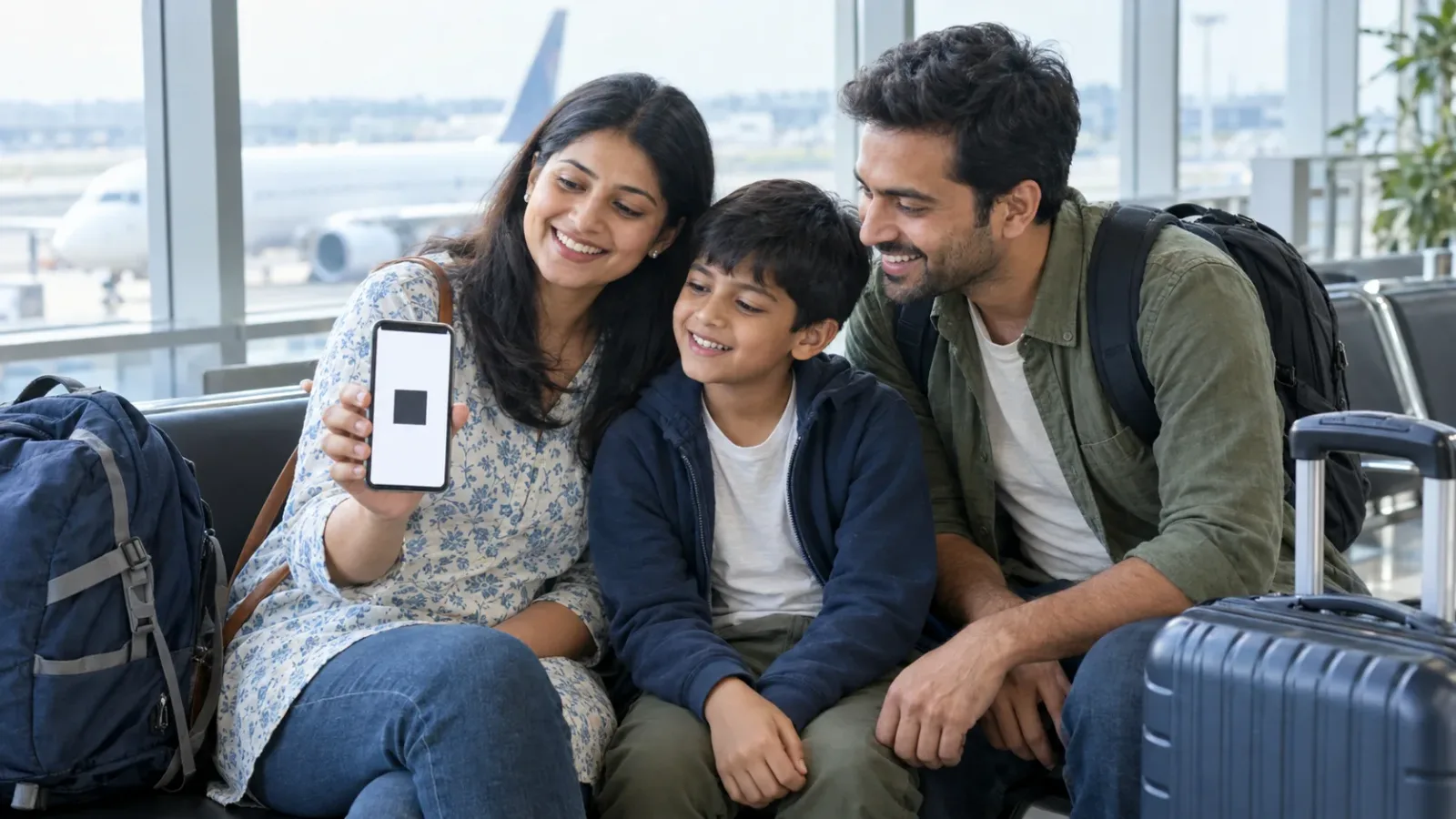

Before you fly to the Philippines, you are required to register on eTravel, the government's online travel platform for arriving and departing passengers. It is separate from your visa or visa-free entry. This guide follows the official eTravel FAQ and Philippine Bureau of Customs and Bureau of Immigration notices. The eTravel FAQ is undated. We checked it on 28 November 2026.
Who registers
The eTravel FAQ says arriving Filipino and foreign passengers, arriving crew members and departing Filipino passengers must register or update. It lists these exceptions: foreign diplomats and their dependents, foreign dignitaries and members of their delegation, 9(e) visa holders, and holders of diplomatic and official or service passports. An Indian tourist on a regular passport is not in that list.
When to register
The FAQ says you may register within 72 hours (3 days) before you arrive in the Philippines. It says travellers are expected to present proof of registration before boarding the flight.
What it costs
Nothing. The FAQ says registration is absolutely free and that eTravel takes no online payment. The only official website is etravel.gov.ph. On 1 April 2026 the Bureau of Immigration warned against fake sites that charge a fee for eTravel and said to register only through etravel.gov.ph. The Bureau also says you can register through the government's eGovPH app. If a site asks you to pay, report it to the Cybercrime Investigation and Coordinating Center (CICC): https://cicc.gov.ph/report/
The QR code
After you register, take a screenshot or download your QR code before you close the page. You can print it too. The FAQ says you will show it to an airline representative before boarding.
The Bureau of Customs notices we could read are archived captures from 2025, because the live pages were unavailable on 28 November 2026. The notice of 14 October 2025 said registration creates a QR code that consolidates your health, immigration and customs declarations. The announcement of 14 August 2025 described the Green Lane as for travellers with nothing to declare and the Red Lane as for travellers with something to declare and for anyone selected for inspection. In those notices, QR scanning for Green Lane travellers was temporarily suspended, while Red Lane travellers and anyone selected for physical examination still went through QR scanning and standard customs clearance. We could not verify current lane practice. Follow the airport's current instructions on arrival.
Green and red QR codes
The FAQ says a green QR code means your submission was complete and correct, and you can go straight to immigration inspection on arrival. A red QR code means the data was incomplete or incorrect, or that in the past 30 days you were sick or had contact with someone who was sick or had a communicable disease. With a red code you go through further inspection by the Bureau of Quarantine before immigration.
If you make a mistake or lose the code
- You can change some of your data under "Edit Registration" until border control has processed you.
- To retrieve a lost QR code, go to https://etravel.gov.ph/search and enter your reference number and date of birth.
- If you registered more than once, use only one QR code at inspection. Showing different ones can cause delay.
- If you registered before, update your details each time you travel.
Before you fly
- Register on etravel.gov.ph only, in the 72 hours before arrival.
- Save the QR code as a screenshot, a download or a printout.
- Check the entry rules on our Philippines visa page for Indians.
Sources
- eTravel, Frequently asked questions (undated), read 28 November 2026: https://etravel.gov.ph/frequently-asked-questions
- Bureau of Customs, Guidelines on QR Code Scanning at Customs Lanes (14 October 2025; archived capture, live page unavailable today), read 28 November 2026: https://customs.gov.ph/guidelines-on-qr-code-scanning-at-customs-lanes/ Archive capture read: http://web.archive.org/web/20251119094338/https://customs.gov.ph/guidelines-on-qr-code-scanning-at-customs-lanes/ (captured 19 November 2025)
- Bureau of Customs, Green Lane scanning suspension announcement (14 August 2025; archived capture, live page unavailable today), read 28 November 2026: https://customs.gov.ph/boc-temporarily-suspends-green-lane-clearance-scanning-to-streamline-passenger-processing/ Archive capture read: http://web.archive.org/web/20250906004135/https://customs.gov.ph/boc-temporarily-suspends-green-lane-clearance-scanning-to-streamline-passenger-processing/ (captured 6 September 2025)
- Bureau of Immigration, warning against fake eTravel sites (1 April 2026), read 28 November 2026: https://immigration.gov.ph/bi-on-full-force-for-holy-week-exodus-warns-vs-fake-etravel-sites/
Next walk starts at a new gate.
Was this helpful?
one tap, no sign-up

A Miranda House graduate and lawyer who traded courtrooms for slow travel. Cheshta travels with the batches we host ourselves, with a soft spot for travelling alongside elders.