




A bathtub photograph leaves one question open
The hotel gallery shows a bathtub. The room you selected says only "private bathroom". Before paying, ask whether that photograph describes the exact room you will receive. Neither the photograph nor the missing word settles the answer by itself.
A photo may show another category, one variant within a category, or an earlier layout. Those are possibilities to check, not a diagnosis of your booking or proof that the hotel misled you.
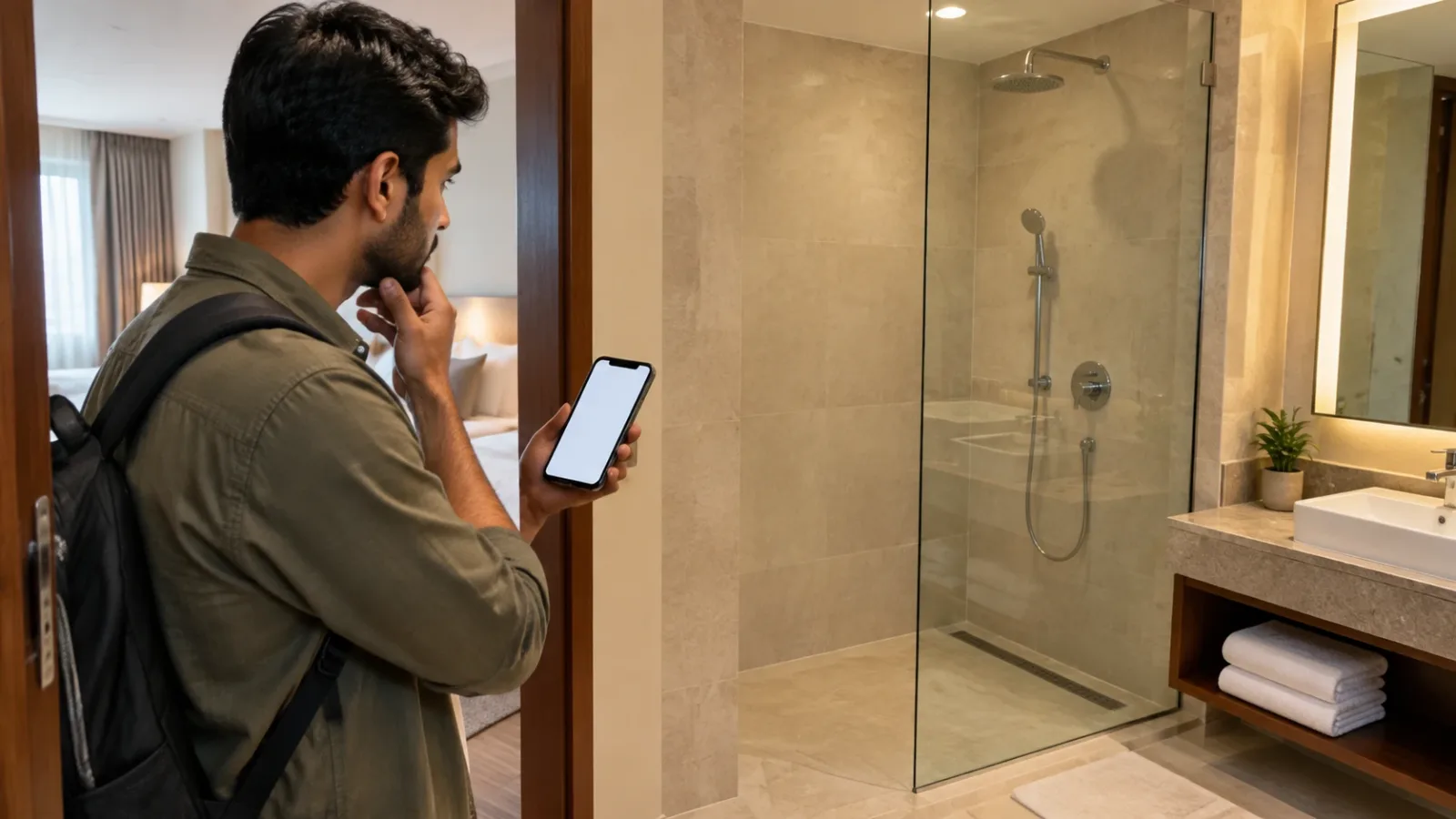
AI-generated fictional photographic-style scene of a traveller checking a shower-only hotel bathroom. It is not a real property, a confirmed room or documentary evidence.
Match the photograph to the selected room
Save the photograph with its caption and the page where it appears. Then save the selected room name, rate, dates, guest count and bathroom amenity list. Check whether the image sits in the general hotel gallery or under your chosen room. A generic "Deluxe" label on another site may not identify the same product.
Look closely at the wording: "bathtub", "shower", and "bathtub or shower" leave different questions. If the listing offers an alternative, ask which version can actually be confirmed for your stay. Silence about a tub does not prove there is no tub; it means this record has not confirmed one.
Use three statuses, not a hopeful yes
- Confirmed for the selected room: keep the room-specific description and a reply identifying the category, dates and bathtub arrangement.
- Requested only: wording such as "noted" or "subject to availability" leaves the outcome open. Ask whether a different bookable category settles it.
- Unanswered or conflicting: send the photograph and the room description together and ask the property to reconcile them before you rely on either.
A useful message is: "For [dates], [guests] and [exact room/rate], is a bathtub included in the confirmed room, or only requested? Does this photograph show that room type? If there are bath and shower-only variants, which will my confirmation secure?" A written answer is evidence to retain, not an automatic guarantee of performance or a legal remedy.
Check what the booking record will say
Booking.com's partner documentation says properties provide the information used to generate their descriptions. Its room-amenity controls allow an amenity to apply to all rooms or only specified rooms. This supports checking the selected room, not treating a hotel-level image as a specification. It describes Booking.com's system, not every booking platform.
Booking.com's terms also say it takes reasonable care but cannot guarantee every item of platform information is accurate. That does not mean photographs have no evidential value, that all platform duties disappear, or that a guest has no rights. This guide does not decide liability.
If the tub is essential, ask where it will appear in the booking record and what alternatives and cancellation terms apply if it cannot be confirmed. Do not assume sending a message changes a rate's terms. Keep uncertainty explicit before committing to a non-refundable payment.
If the assigned bathroom has no tub
Compare the actual room with the saved category description and hotel reply before unpacking. Take a clear photograph of the mismatch without other guests or private documents. Show the records to reception and ask whether a matching room is available, when it could be ready and whether a proposed move carries a charge.
If booked through Booking.com, its terms direct questions and complaints through the booking, app or Help Center, with a summary and supporting documents. Use the actual booking channel for other providers. Ask for a written record of the proposed solution. A room move, concession, cancellation or refund is not established by this article; do not self-cancel assuming the money will return.
A tub is not a complete bathroom specification
If the purpose is bathing a child or accommodating a parent, describe the practical need rather than accepting any bath photograph. Ask for the actual layout and any details that matter to the traveller. A bathtub does not by itself establish easy access or suitable support. Our senior bathroom checks cover those separate questions; our Tokyo Bay room-name and view example covers another feature that needs its own confirmation.
Keep one folder with the selected room, photograph, property reply, final confirmation and terms. Recheck the answer after a date or category change.
Sources and limits
Checked 13 November 2026: Booking.com for Partners: changing property descriptions and room details (page displays "Updated 1 year ago", not an exact revision date); Booking.com terms (displayed update 25 August 2025), especially platform information and customer-service guidance. No specific hotel, bathtub availability, room price, refund entitlement or accessible layout is verified here.

A Miranda House graduate and lawyer who traded courtrooms for slow travel. Cheshta travels with the batches we host ourselves, with a soft spot for travelling alongside elders.
Planning your next trip?
We'll handle insurance, hotels, airport assistance and the itinerary — the same way we do it for every trip.
Questions on this article
asked by readers, answered by us
Was this helpful?
one tap, no sign-up