



For a first DigiYatra journey, set up your identity, take the requested selfie, add the issued boarding pass and share it with the departure airport before joining the DigiYatra entry lane. Registration alone is not the last step. This walkthrough uses Delhi Airport's published Aadhaar-based route for a domestic departure, not a tested tour of every current app screen. Delhi Airport: DigiYatra.
1. Check that this guide fits your departure
Delhi Airport lists DigiYatra for domestic passengers at Terminals 1, 2 and 3. Its "Who can avail" wording names Indian citizens with government-issued Aadhaar. This walkthrough follows that published route; it does not establish universal enrolment eligibility. Check your actual flight and terminal with the airline. Do not use these domestic steps as instructions for international immigration or assume another airport has the same gates. Follow signs and staff at your terminal rather than an old gate number. Delhi Airport: DigiYatra.
2. Download the right app and register
Delhi Airport directs passengers to the DigiYatra app by DigiYatra Foundation on Google Play or the App Store. Register using your mobile number and the OTP. Our practical advice: do this privately on your own phone before travelling, rather than handing identity details or an OTP to someone offering unofficial help. Delhi Airport: DigiYatra.
3. Complete the identity and selfie steps
Delhi's published method says to link identity credentials using DigiLocker or Aadhaar, verify Aadhaar details by OTP, then take and upload a clear selfie when prompted. Follow the live app rather than expecting an old screenshot to match. This is one documented route, not a claim that Aadhaar is the app's only credential. The Ministry of Civil Aviation's 6 August 2026 parliamentary answer also lists Driving Licence-based enrolment through DigiLocker among the available features. The Ministry's broader credential feature and Delhi's Aadhaar-based eligibility wording have different scopes. Neither establishes that every traveller can complete enrolment without Aadhaar. Our practical advice: follow the route supported for your actual setup and ask official support if the guidance does not fit. This guide does not test your individual eligibility. Delhi Airport: DigiYatra; Lok Sabha answer (6 August 2026).
4. Add this journey, not just your identity
Upload the boarding pass and share it with the departure airport, as Delhi's guide instructs. A completed identity profile is not the same as adding the current flight. Our practical advice: use the airline-issued boarding pass for the journey, not a booking receipt. Delhi's instruction is simply to upload the boarding pass. The Foundation distinguishes one-time enrolment from adding and sharing a new travel document for each journey. Delhi Airport: DigiYatra; Foundation FAQ (17 October 2024).
5. Use the marked entry lane, then follow the remaining airport steps
At Delhi's DigiYatra departure e-gate, look into the facial-recognition camera as directed. Delhi says the gate opens after validation; this is not a promise that every attempt will succeed. Its guide also lists pre-security and boarding touchpoints. DigiYatra does not mean you may skip passenger or baggage screening. Delhi's security guide says all passengers pass through a security checkpoint before the boarding area. Delhi Airport: DigiYatra; Delhi Airport: security and entry.
6. Keep the ordinary document route ready
Keep your valid government photo ID and current ticket or boarding pass accessible. Delhi's security guide describes ordinary terminal entry using that ID plus a print or digital boarding pass or air ticket. Our practical advice: if setup or validation does not work, tell airport staff where you are stuck and ask for the supported entry process. Do not keep retrying until the airline's check-in or boarding deadline has passed. This guide promises neither a shorter arrival buffer nor a particular fallback time. Delhi Airport: security and entry.
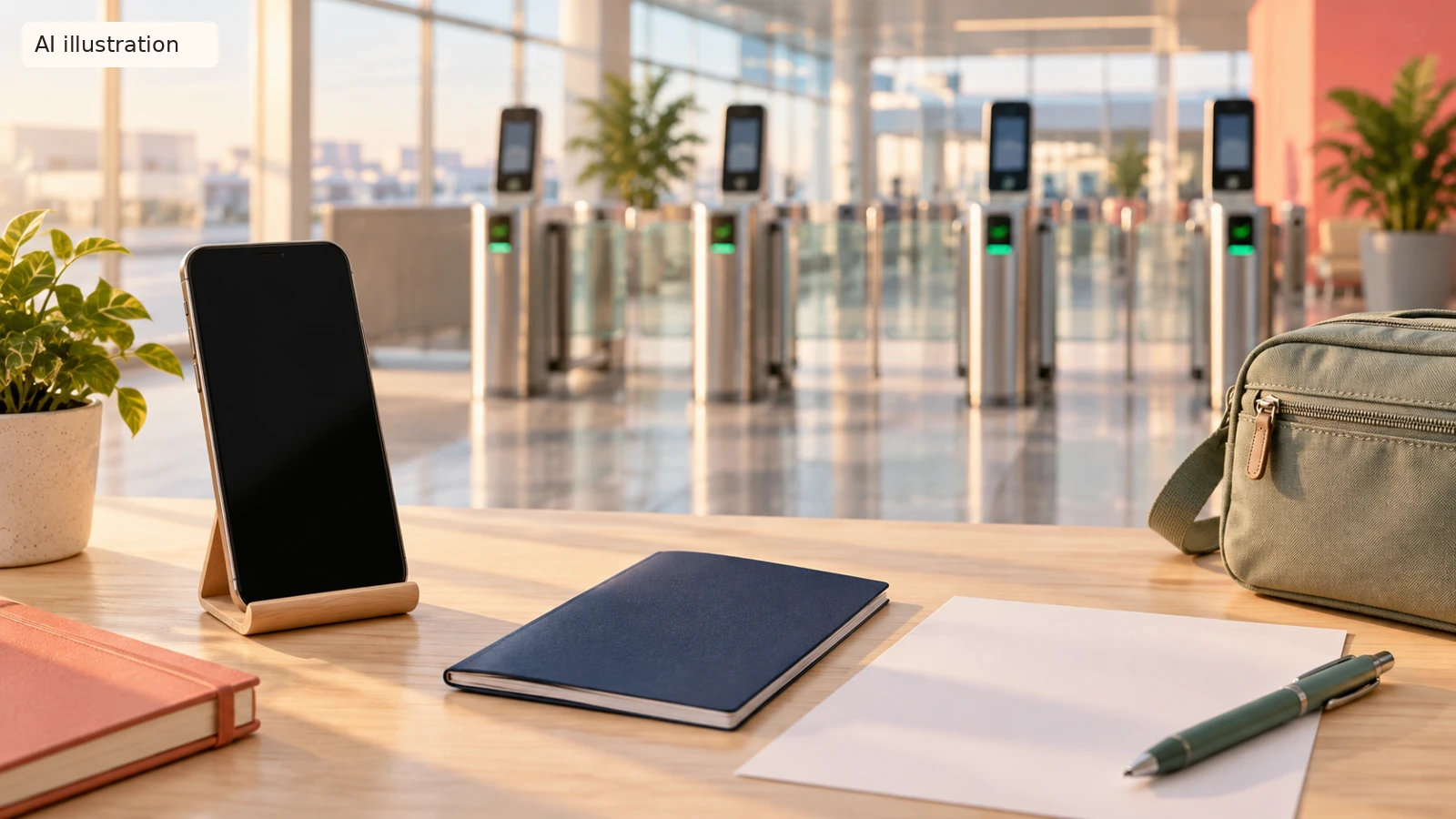
AI illustration: Fictional preparation scene, not actual DigiYatra screens, Delhi Airport gates or a usable identity document.

A Miranda House graduate and lawyer who traded courtrooms for slow travel. Cheshta travels with the batches we host ourselves, with a soft spot for travelling alongside elders.
Planning your next trip?
We'll handle insurance, hotels, airport assistance and the itinerary — the same way we do it for every trip.
Questions on this article
asked by readers, answered by us
Was this helpful?
one tap, no sign-up