




- PAYMENT
- keep bank reference
- TICKET
- open the actual order
- ENTRY
- ask station staff
- REFUND
- outcome unconfirmed
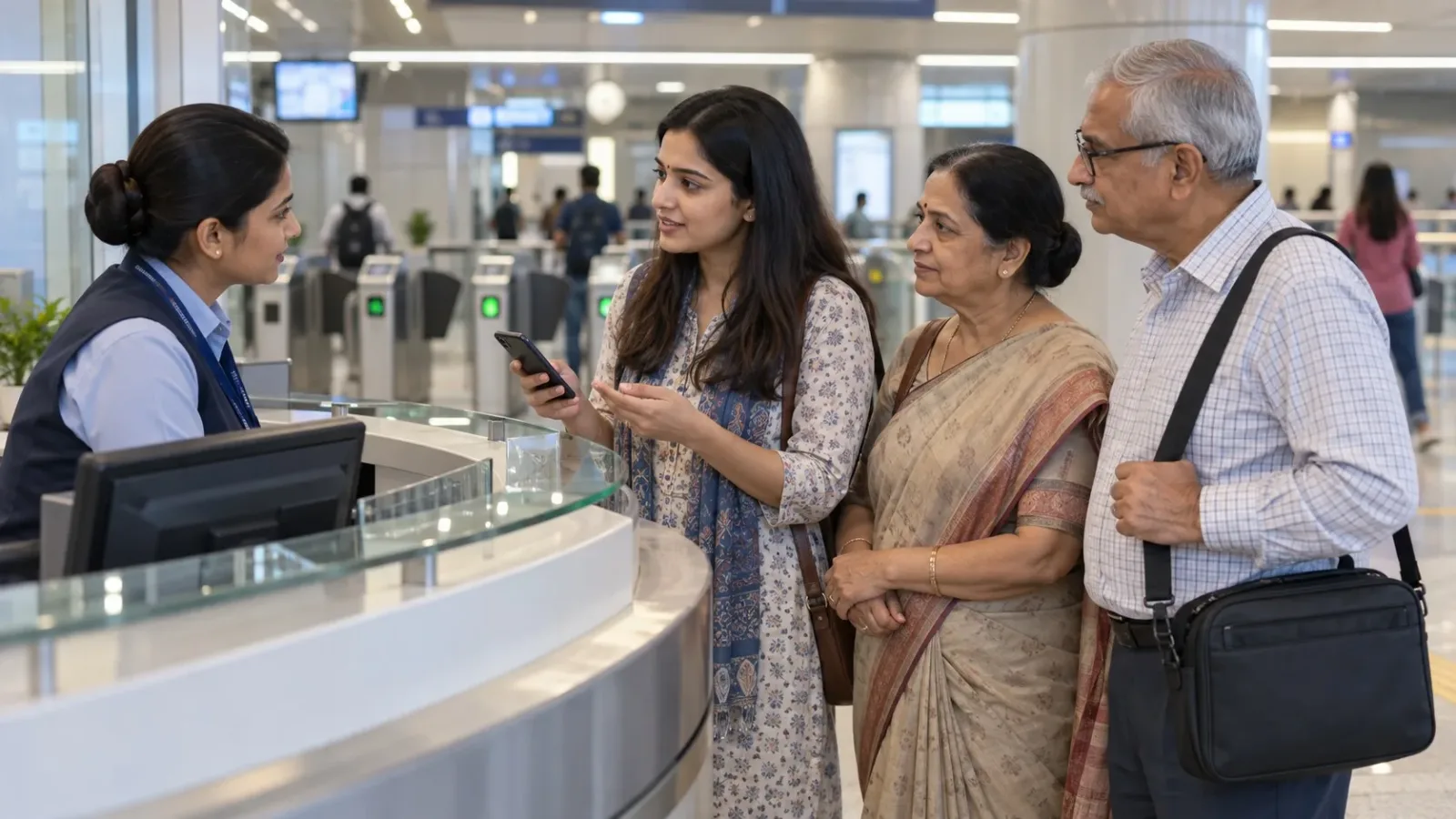
Illustration: a fictional family asks at a generic metro help desk before entry. No actual Delhi station, payment, QR code or ticket is shown.
If money has been debited but your Delhi Metro QR ticket is missing, keep the payment record and check the purchase channel’s ticket/order record. Ask for help before trying to pass the gate. This guide does not establish a right to enter using a bank-success screen, or promise that another payment will be refunded.
Payment and receiving the ticket are separate steps
The official DMRC app-based QR page lists payment, receiving the QR/ticket and presenting the QR at AFC entry/exit scanners as separate steps. The page is undated in the retrieved material. A dated primary source, Paytm’s 12 October 2023 launch announcement, describes its Delhi Metro mobile QR ticket at entry and exit scanners. That supports the QR-ticket flow, not permission to substitute a payment screenshot or a current refund deadline.
First identify where you bought: the Metro app, a payment app, a ticketing partner or a messaging channel. A successful bank transaction can relate to a different order or product. This article concerns a missing journey ticket, not an incomplete smart-card recharge or a QR that is already visible but rejected.
Recover the order before making another purchase
- Open the same app/account or message conversation used for the purchase. Look for its ticket, order or purchase-history route. Labels differ; this guide does not claim one universal menu sequence.
- Match the Metro product, origin/destination, passenger count, purchase date/time and amount. Check whether the record says pending, failed or completed, and whether a ticket can actually be opened. Do not replace the displayed state with your own conclusion.
- If the channel sent a confirmation message, reopen that original record. Check the registered contact/account if a family member made the purchase. Do not enter booking details into an unrelated “ticket recovery” site.
- Keep the order ID and payment transaction reference separately. They may help different support teams identify the attempt; do not assume they are the same number.
- If the ticket remains absent, use support within the purchase channel and ask whether it was issued, whether it can be retrieved, and what happens to that specific payment. If you are at the station, ask staff where to get ticketing help before the fare gate.
A short support record that avoids repeated explanations
This original checklist is not a payment or ticket screenshot. Fill it from the actual records; write “not shown” where an order ID or status is absent.
| Record | What to preserve privately |
|---|---|
| Purchase channel | App/site/chat route and the account/contact used. |
| Intended journey | Origin,destination,passenger count and travel date. |
| Order record | Order/reference ID,purchase time and exact displayed status/error. |
| Payment record | Amount,bank/payment reference and debit/transaction status. |
| Missing item | No ticket at all,blank ticket view or a ticket that cannot open. Do not call them all “QR failed”. |
| Help request | Complaint/reference number,response and next promised action,if any. |
Suggested question: “I paid through[channel]at[time]for[from-to,count]. The order says[state],but no ticket opens. Was a ticket issued? How can I retrieve it,and what should I do before entry? Please link any payment follow-up to this order.” Share sensitive references privately,not on a public social-media post.
At the station: keep entry and the payment complaint separate
Stand aside from the gate queue and ask station staff for the appropriate ticketing help. Show the original order/payment records when asked. Do not tailgate or keep scanning a bank-payment QR as though it were a journey ticket. Ask what valid ticket option is available for your intended journey if the digital order cannot be resolved in time.
If you decide to buy another ticket,confirm its price and conditions first,and keep both purchase records. That decision does not establish a refund for the earlier attempt. If a QR later appears,ask the purchase channel or station staff how its status should be handled rather than assuming both orders are usable or refundable.
The official DMRC Contact page currently lists helpline 155370 and notes that calls are chargeable to the caller. It is an undated contact listing in the retrieved material,not a promise of response time,free calls,entry authorisation or refund approval. Use the purchase channel for its order/payment record,and Metro staff for the station-entry question.
What remains unconfirmed
No universal refund amount,automatic reversal time,QR cancellation rule,validity window or permission to enter on debit proof was established here from dated official evidence. Different purchase channels and ticket products need their own current answer. The DMRC tickets/fare FAQ could not be retrieved during this review; we have not filled that gap with a blog or an unrelated product’s terms.
Never give an unsolicited caller your OTP,UPI PIN or remote screen access to “release” a ticket or refund. A support request should identify the attempt,not expose your payment credentials. For a family travelling together,keep one person on the support thread and tell everyone whether the ticket is actually available or still unresolved.
Reviewed 6 November 2026. Public source pages only; no payment,passenger booking,station-gate test or refund was performed. Dated launch material establishes historical product flow only. Get booking-specific help before relying on an entry or money outcome.

A Miranda House graduate and lawyer who traded courtrooms for slow travel. Cheshta travels with the batches we host ourselves, with a soft spot for travelling alongside elders.
Planning your next trip?
We'll handle insurance, hotels, airport assistance and the itinerary — the same way we do it for every trip.
Questions on this article
asked by readers, answered by us
Was this helpful?
one tap, no sign-up