




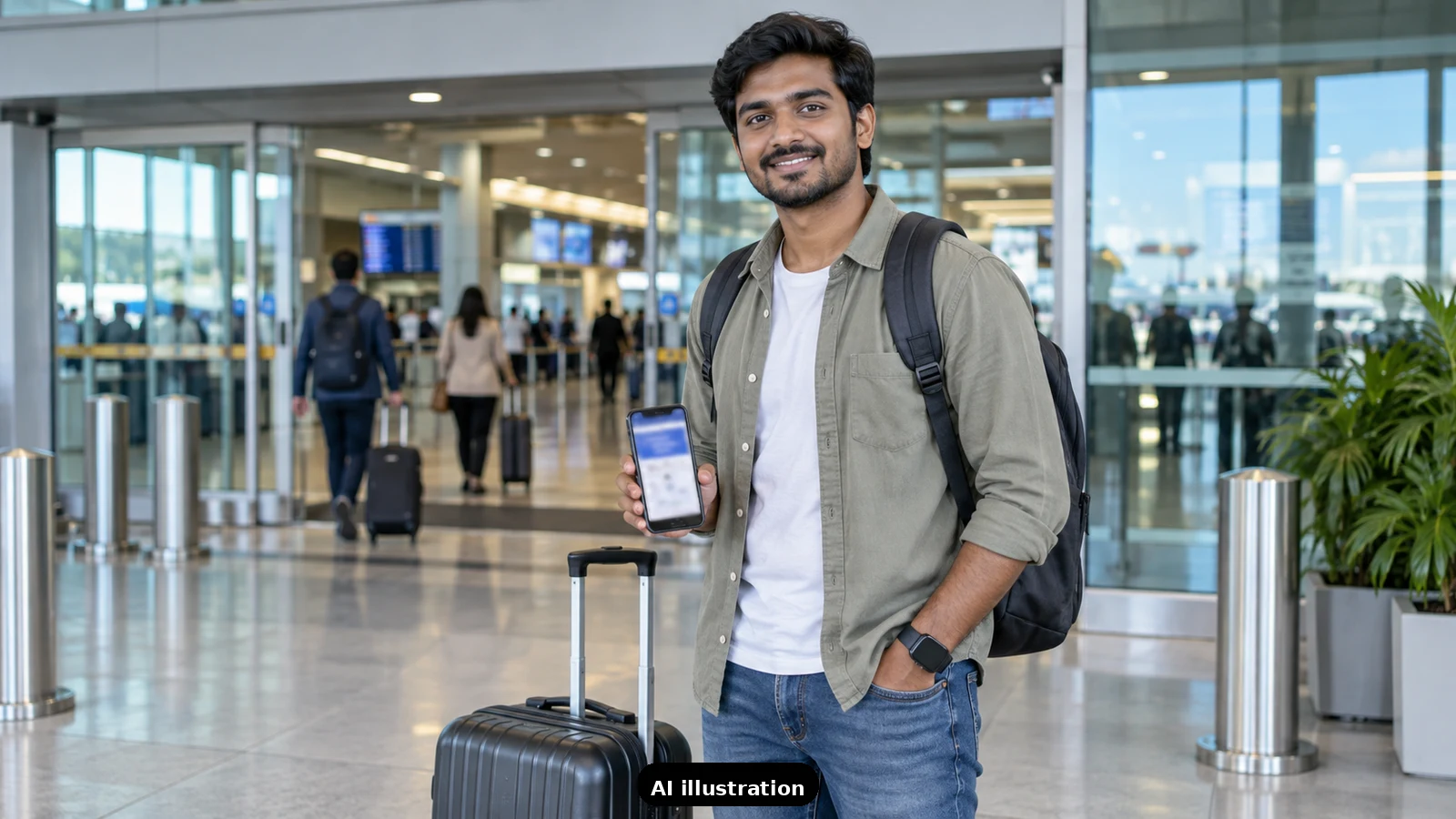
Short answer: no, you do not need a printout. After online check-in, the boarding pass on your phone works at Indian airports, from the terminal entry to the boarding gate. A printout is a backup, not a requirement.
What the rules say. Airlines point to the Indian security regulator's AVSEC Order No. 7/2024: since 31 July 2024, passengers are allowed into the departure terminal on showing a confirmed e-ticket or an online boarding pass with a barcode or QR code, along with travel documents verified at the entry gate. So the check happens on your phone screen, not on paper.
What airlines say. IndiGo's boarding pass page lets you view and download your pass after web check-in, and it recommends carrying a printed or soft copy before reaching the airport. A soft copy on your phone is enough.
Where the phone version works.
- Terminal entry: show the e-ticket or boarding pass barcode with your ID.
- Security check: the pass is scanned.
- Boarding gate: the same barcode or QR is scanned again.
When paper or a counter visit still helps.
- If your phone dies, the airline counter or a self-check-in kiosk at the airport can print your pass. Carry a power bank to avoid the trip.
- If you have check-in baggage, you will visit the bag-drop counter anyway, where the airline can print the pass if you want one.
- For some international flights the airline may issue the boarding pass at the counter itself. Check your airline's page; you still do not need to print at home.
Make the soft copy reliable. Download the pass for offline use or take a screenshot, keep the phone charged, and make sure the name on your ID matches the ticket. At airports with DigiYatra, you can also use face-based entry instead of showing the pass.
For your own trips. Flying with parents or a first-time flyer and want the airport steps planned out? Send us a trip-planning inquiry and we will map it for you.

A Miranda House graduate and lawyer who traded courtrooms for slow travel. Cheshta travels with the batches we host ourselves, with a soft spot for travelling alongside elders.
Planning your next trip?
We'll handle insurance, hotels, airport assistance and the itinerary — the same way we do it for every trip.
Questions on this article
asked by readers, answered by us
Was this helpful?
one tap, no sign-up