




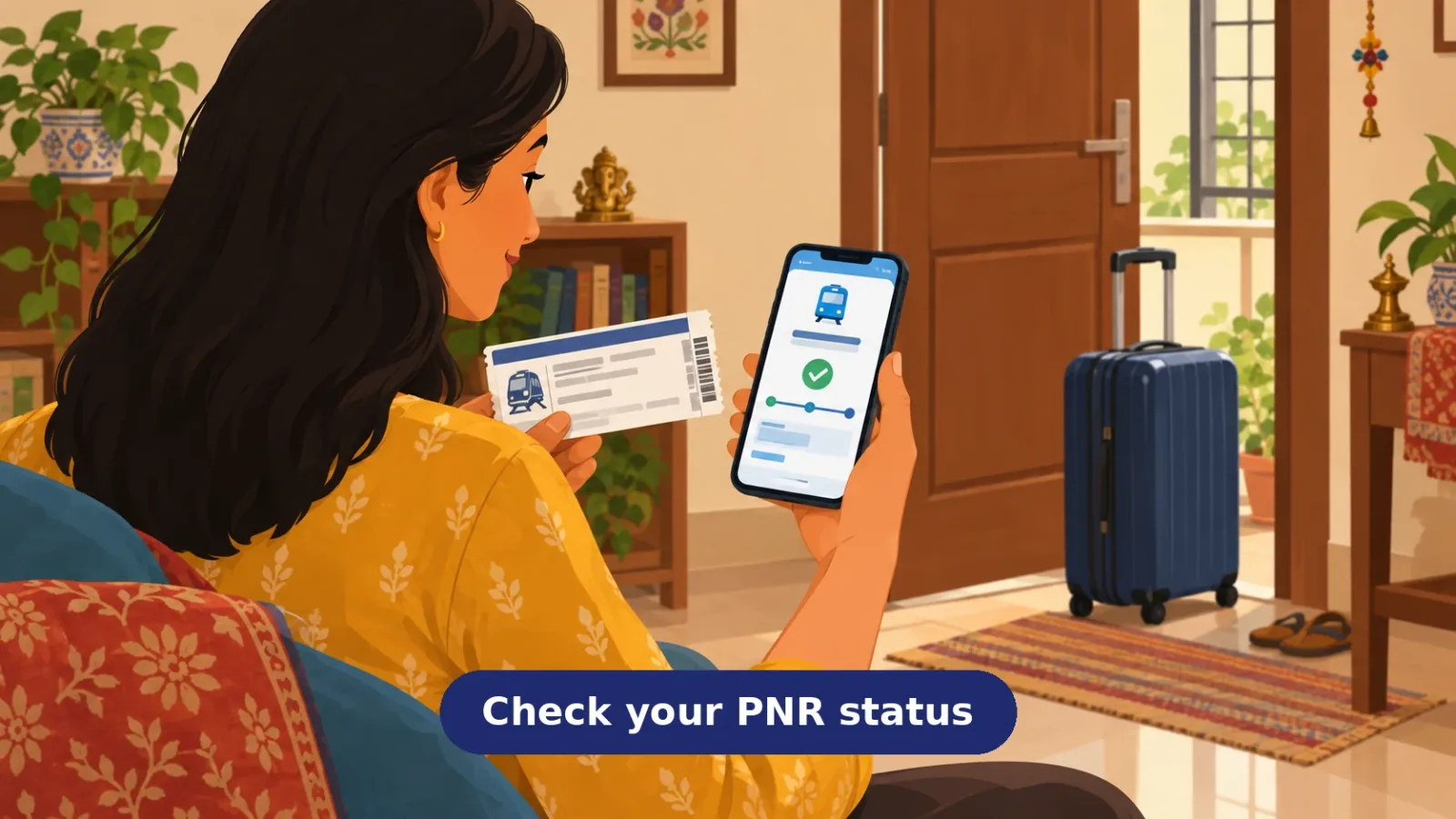
- Your PNR
- 10-digit number on ticket, SMS, email or IRCTC history
- Online
- Railways PNR enquiry page or the IRCTC app
- No internet
- Call or SMS 139 for PNR enquiry
- Recheck
- Statuses move until charting - check on travel day
Your PNR is the 10-digit number printed on your train ticket, and checking its status before you leave for the station takes less than a minute. It tells you whether your seat is confirmed, what coach and berth you have, and whether anything has changed since you booked. Here are the official ways to check, and how to read what comes back.
First, find your PNR number
The PNR (Passenger Name Record) is a 10-digit number that identifies your booking. On a printed ticket it appears near the top; for e-tickets it is in the booking confirmation SMS and email, and inside the IRCTC app or website under your booked ticket history. One PNR covers everyone booked together on that ticket, so your whole family's status shows in a single check.
The official ways to check
The Indian Railways passenger enquiry site runs a dedicated PNR status enquiry page - enter the 10 digits and it returns the current status of every passenger on the booking. The IRCTC website and app show the same information against your booked tickets when you are logged in. Without internet, 139 is the Railways' enquiry line: IRCTC's 139 service page lists PNR enquiry among the services available by calling or sending an SMS to 139, alongside train running position and fare enquiry. At the station itself, enquiry counters can also check a PNR for you.
Reading what the status says
The reply shows each passenger's booking status and current status. CNF means confirmed, with the coach and berth number shown once allotted. RAC means Reservation Against Cancellation: you can board the train, and per the Railways' 2016 description of the arrangement, two RAC passengers share one side lower berth as sitting accommodation - not a full sleeping berth of your own. A current RAC status can still improve to a full berth if cancellations free one, so keep checking the PNR. WL means waitlisted, and the number shows your position in the queue. Statuses are not frozen at booking: they move as other passengers cancel and as the reservation chart is prepared, so a waitlisted ticket from last week may look different today. That is exactly why checking before you leave - and again if your status was not confirmed - is worth the minute it takes.
Quick questions
Where exactly is the PNR on my ticket? On a printed counter ticket, look near the top for the 10-digit PNR number. For e-tickets, it is in the confirmation SMS and email from IRCTC, and in the app or website under your booked ticket history.
Can I check PNR status without internet? Yes - 139 is the Railways' enquiry number, and IRCTC's service page lists PNR enquiry among what you can get by calling or sending an SMS to 139. Station enquiry counters can also check for you.
What is the difference between booking status and current status? Booking status is what you were allotted when you paid; current status is where you stand now. If others cancelled after you booked, your current status may be better than your booking status - the current one is what matters for travel.
Can my PNR status change after I book? Yes. Cancellations by other passengers and chart preparation can move a waitlisted or RAC ticket upward, sometimes to confirmed. Keep checking until your travel day, especially if you are not yet confirmed.

A Miranda House graduate and lawyer who traded courtrooms for slow travel. Cheshta travels with the batches we host ourselves, with a soft spot for travelling alongside elders.
Planning your next trip?
We'll handle insurance, hotels, airport assistance and the itinerary — the same way we do it for every trip.
Was this helpful?
one tap, no sign-up