




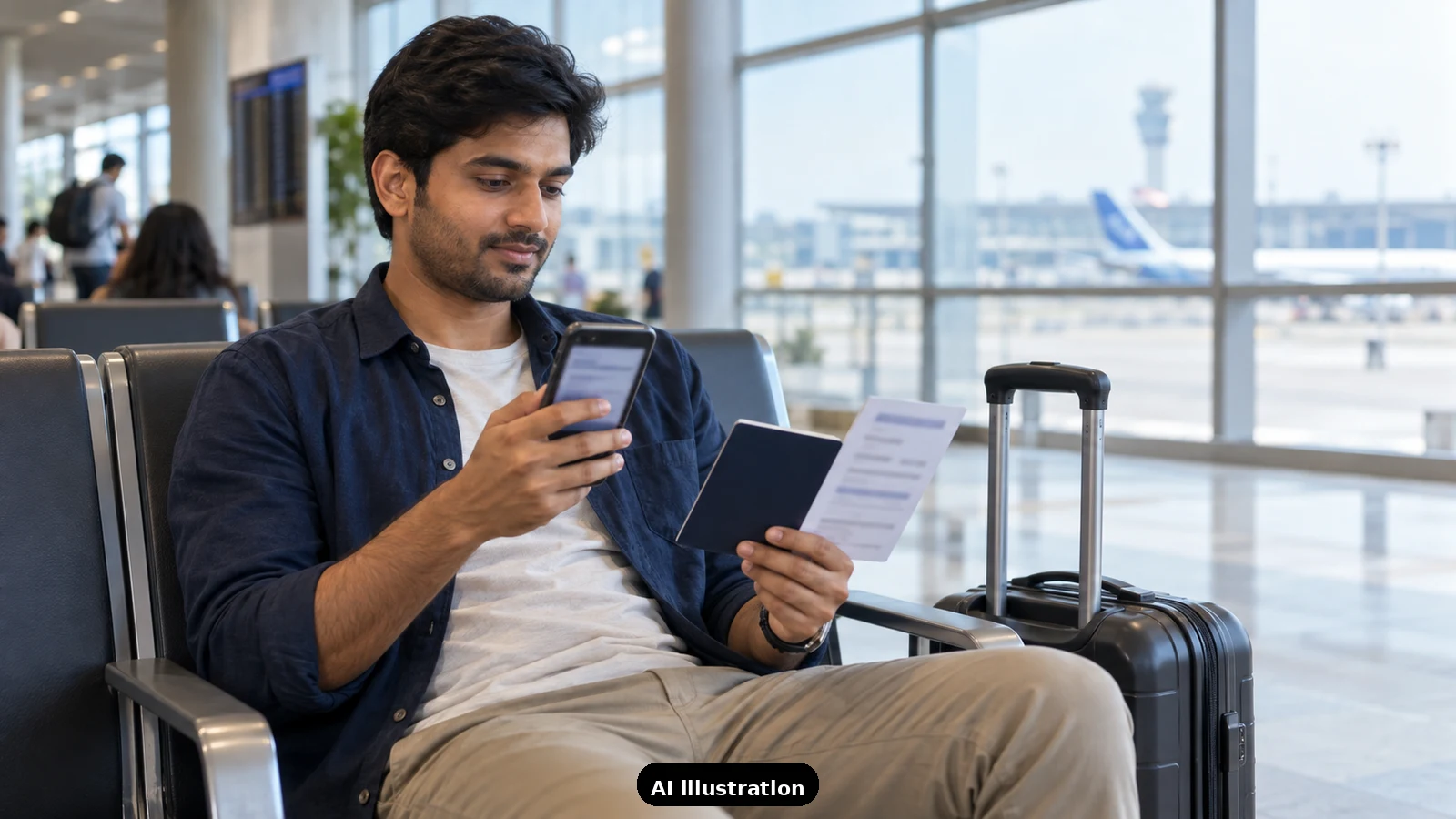
Short answer: save a readable copy of every booking on your own phone before you leave, then open each copy once with mobile data and Wi-Fi switched off. If it opens, you are set. If it does not, fix it at home, not in the queue.
Why test. A link to a booking page needs signal, and the page may ask you to sign in again. A saved file or screenshot does not. The point of the test is to find out which of your copies actually opens when the network is poor.
Train tickets. The IRCTC e-ticket FAQ and the consumer helpline FAQ describe an e-ticket as paperless, shown with a valid photo ID. Save the e-ticket PDF or a clear screenshot of the ticket page, and make sure the PNR, train, date and passenger names are all readable without zooming. Keep the original ID card with you, since the ticket is shown along with it.
Hotel confirmations. Save the confirmation email as a PDF or take a screenshot that shows the hotel name, dates, guest name and confirmation number. Keep the hotel's phone number in the same note, so you can call if the front desk cannot find the booking.
The offline test, step by step.
- Switch on airplane mode, then open each saved copy from your files or photos, not from your email app.
- Check that the text is sharp and that the reference number can be read at normal size.
- Check that nothing needs a password or a code to open.
- Put the copies in one folder or one album, named by date, so you can find them quickly.
Protect the identifiers. A confirmation often carries a reference number, names and sometimes ID or payment details. Keep the copies on your own device, do not post them online, and do not send them to people who do not need them. If you share a copy with a family member, share only the page they need.
Refresh before you leave. If you change a booking, delete the old copy and save the new one, so you do not show an outdated page. Check the date and the name again after each change.
Keep one backup. A power-bank is useful, and so is a short printed note with the key reference numbers, in case the phone dies. We do not say printing is required. It is a backup.
For your own trips. If you have several bookings to keep in order across a journey, send us a trip-planning inquiry and we will help you organise them.

A Miranda House graduate and lawyer who traded courtrooms for slow travel. Cheshta travels with the batches we host ourselves, with a soft spot for travelling alongside elders.
Planning your next trip?
We'll handle insurance, hotels, airport assistance and the itinerary — the same way we do it for every trip.
Questions on this article
asked by readers, answered by us
Was this helpful?
one tap, no sign-up