




An approval email arrives, but the attached visa PDF has a typo. Do not edit the PDF or assume the email clears the mismatch. First establish what the file is, which record is wrong and which official route can correct it. A corrected-looking local file is not proof that the issuing authority changed its record.
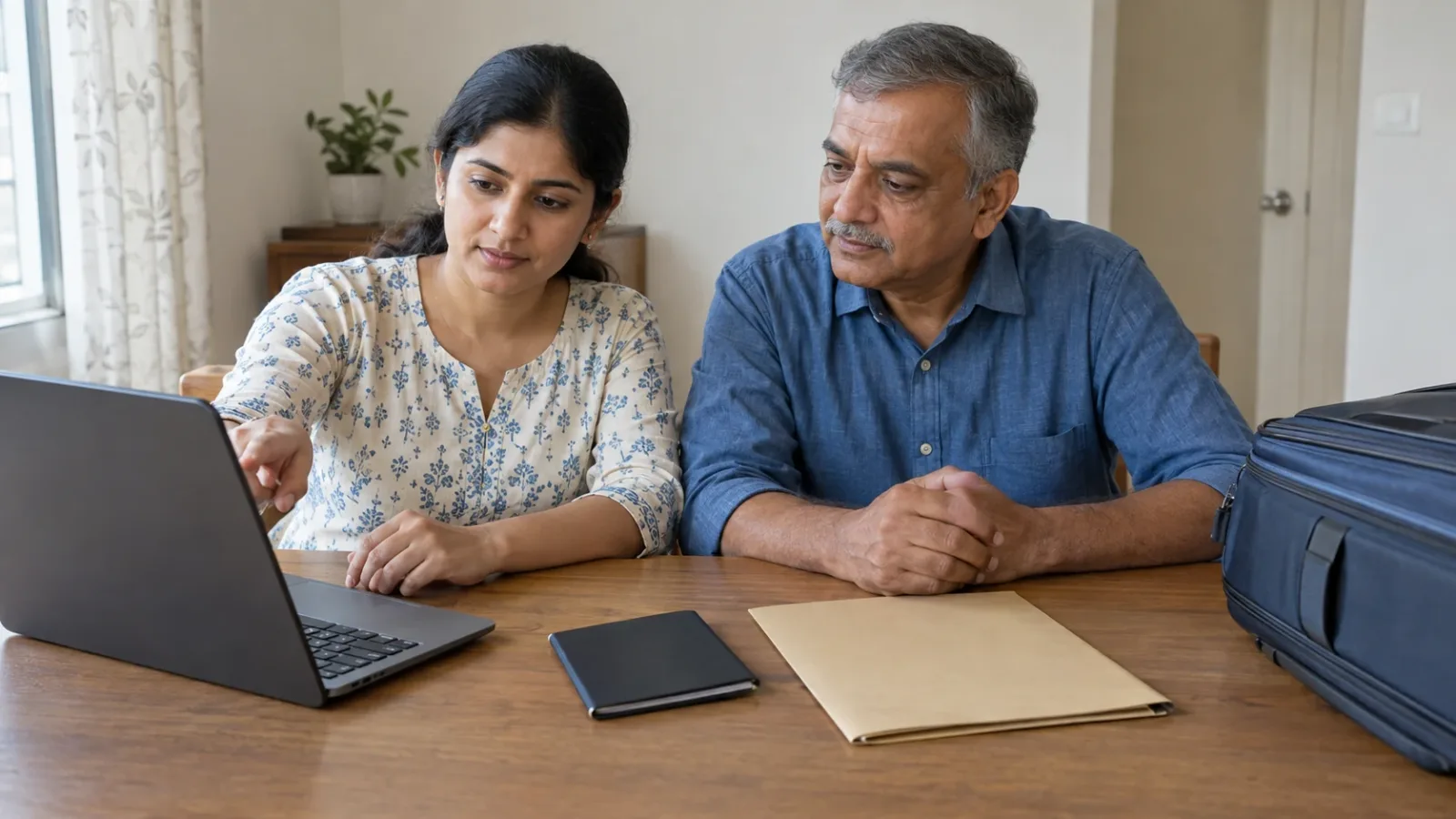
AI-generated fictional photographic scene of a family checking a laptop and a closed plain booklet. No actual visa, portal or applicant is shown.
Check the genuine result before diagnosing the error
Reach the issuing authority through its government or embassy website and the original application route. Compare the email attachment with the latest result available there. Check the applicant and application reference before assuming the attachment belongs to the right family member. Do not follow an unexpected correction-payment link merely because it arrived with convincing branding.
Separate an acknowledgement, decision letter, issued permission and instructions for displaying it. If the result itself cannot be retrieved, use the approved-but-no-download checklist. A PDF is not the required travel evidence for every destination.
Locate the mismatch across the records
Privately compare the actual travel passport, submitted application if available, attached file and official online record. Write the exact field label, incorrect value and correct passport value. Check all relevant identity and validity fields together, not just the first spelling mistake. Distinguish a display or rendering problem from a genuinely different value; do not declare a difference harmless yourself.
Identify whether incorrect information was submitted, the authority's output differs from the application, a passport was renewed later, or only the email text is wrong. These can need different routes. For a physical sticker, use the separate sticker-error guide. Changing an airline record does not show that the visa record was corrected.
Use official examples as leads, not a global correction rule
The UK Home Office's eVisa error-correction publication, updated 12 October 2026, describes reporting eVisa errors through its webform and notes that not all reported issues are errors in underlying data. That supports checking which record is affected, not a promise that a particular typo is minor.
The current GOV.UK error-reporting page separates eVisa errors from account-detail updates and other contact routes. The Australian Embassy in Singapore's visa FAQ distinguishes incorrect application information, while the Australian Consulate-General in Ho Chi Minh City's FAQ discusses grant-notification copies and online visa records. No clear current revision dates were established for these three pages in this review. They are official lookup leads, not dated correction rules or instructions for an Indian applicant's actual case. Ask the responsible authority which route applies after grant.
Immigration New Zealand's 11 July 2014 staff notice stresses matching visa details to the passport. It is historical context, not current clearance or a complete electronic-letter correction procedure. Do not extrapolate a current worldwide refusal rule from it.
Send one precise correction question
Through the verified private route, provide the requested case reference, visa type, issuing office, exact field and values, intended departure date and whether the same error appears online. Ask whether the error is in the letter, underlying permission or both; which evidence is needed; who handles it; any fee; expected timing; and what to do about travel while unresolved. If an agent submitted the application, ask them to preserve the original and return the authority's actual reply.
Save the unedited original file, message and application record securely. Send scans only when required through the genuine route. Do not give an unverified correction service passwords or codes, or buy a fresh application assuming it replaces the old one. Do not digitally alter, retype or conceal the typo in a file presented as official.
Verify the corrected record and its required format
Keep the case reference and dated reply. A submitted correction request or acknowledgement is not the corrected permission. When an outcome arrives, compare the new official file and online record with the actual passport. Ask whether the old file is superseded and which version should be used. If the records still disagree, mark that unresolved rather than choosing the more convenient version.
Presentation requirements are separate. Japan MOFA's 15 May 2026 eVISA page requires its airport Visa issuance notice in an internet environment and says PDF data, screenshots and printed copies are not accepted. That is a Japan-specific example, not a rule for every visa or a correction route.
Before departure, reconcile the actual travel document and remaining carrier details through their supported routes. Review booking-change options if the issue remains unresolved. Reviewed 14 November 2026: no universal typo tolerance, free correction, turnaround, replacement requirement, boarding or entry permission is established. The actual case remains unconfirmed until the issuing authority resolves it.

A Miranda House graduate and lawyer who traded courtrooms for slow travel. Cheshta travels with the batches we host ourselves, with a soft spot for travelling alongside elders.
Planning your next trip?
We'll handle insurance, hotels, airport assistance and the itinerary — the same way we do it for every trip.
Questions on this article
asked by readers, answered by us
Was this helpful?
one tap, no sign-up