




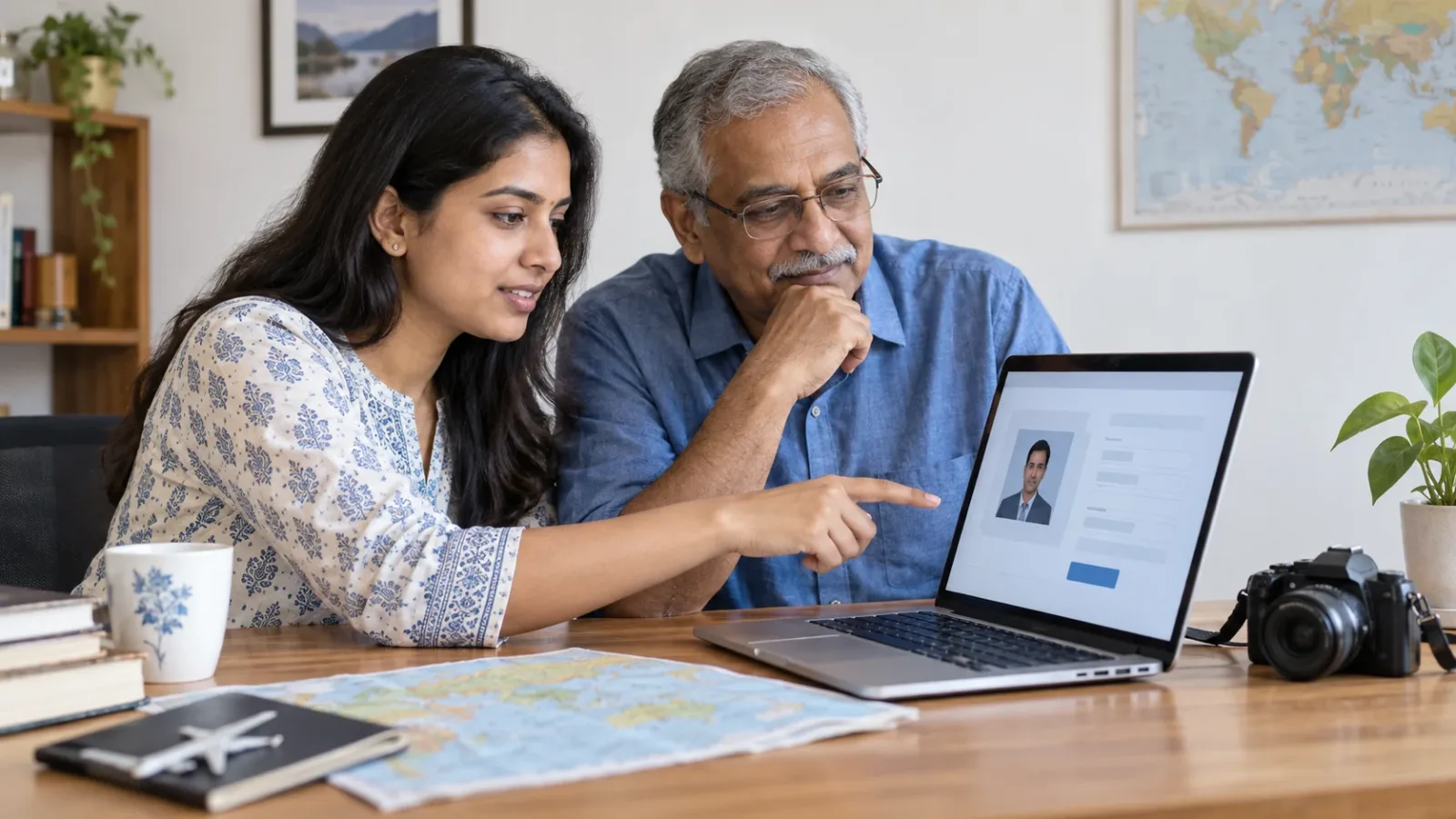
If a visa application portal rejects a passport-style photo that appears to meet the printed specification, stop treating the paper size as the whole test. Record the exact error, check the official instructions for the application route you are using and compare the final digital file with those instructions. Do not keep paying for new applications or altering the person's face to force an upload through.
First identify what the application is asking for
A printed photograph, an uploaded digital portrait, a scan of a document and a photo captured inside an official process are different tasks. Open the instructions linked from your actual application, not a generic search result for another visa or a photographer's standard print size. If you cannot establish the current requirements for that route, treat them as unconfirmed and ask its official support channel.
Keep the application reference private. Record the page or step, exact error wording and when it happened. A screenshot can help support understand the error, but cover identity details before sharing it outside the official case channel. Do not publish passport images or a complete application in a public troubleshooting forum.
A dated UKVI example, not a worldwide specification
UK Visas and Immigration's “Take a photo of your face for a visa application or permission”, published 12 February 2026, specifies a digital photo at least 600 pixels wide and 750 pixels tall, at least 50KB and no more than 6MB, in jpg or jpeg format and vertically orientated. It says the image must not be mirrored or flipped. These are the named UKVI guidance's requirements, checked on 4 November 2026, not a specification to copy into every country's portal.
The same guidance requires a clear, in-focus colour photo in a well-lit room and says it must not be altered by computer software or other means, such as a filter. It excludes a scan or photo of another photo, the photo already in your passport or identity card, and a picture of the identity document itself. It gives face, background, expression and visibility instructions too. A file-size check alone does not cover those.
Read the complete guidance for the person and process concerned. Do not borrow an adult example for a child without checking the relevant section. UKVI also provides a video page updated 11 March 2026. Neither source confirms a universal rule for another destination or guarantees acceptance of an individual image.
Inspect the final file, not the original photo or its filename
Our troubleshooting checklist is to compare the file you are actually selecting with the exact route instructions: actual file type, pixel width and height, file size, orientation and visual quality. A print measurement in centimetres does not itself state the digital pixel dimensions. Renaming a filename does not prove the file has been exported in the requested format.
Open the final file locally before uploading it. Check that it shows the intended portrait upright, without an accidental screenshot border, another page or a thumbnail substituted for the original. If it does not meet the applicable official instructions, use the official photo-making route or ask the photographer for a compliant file. Do not apply beauty filters, AI face replacement or appearance-changing retouching to make a validator happy.
Separate an image problem from an unresolved portal problem
If the error names a measurable requirement, compare that requirement with the final file. If the message is generic, preserve it rather than diagnosing the portal as broken or declaring the photo compliant. Ask official support what to check next and what capture or appointment alternative, if any, is supported for this route.
Do not deliberately submit a bad image as a workaround, create a duplicate paid application on the strength of a forum comment, or assume a different country's “bring a print later” instruction applies. An application reference, submission step or payment may have consequences; follow the actual service's instructions before starting over.
What to give a photographer or official support
For a photographer, provide the current official photo instructions and the stated file requirements, not your full visa file. Ask for the final file to be checked against those instructions. For official support, provide the application route, step, exact error, file properties and case reference through its verified channel. Let the service tell you what additional evidence it needs.
If a family member is helping an older parent, work with their agreement and keep their account access under their control. Do not send passwords or one-time codes to an unofficial “visa fixer”. A support request should not become an excuse to distribute identity documents to everyone in a family group.
Before saying the problem is solved
Confirm that the intended image appears in the application's relevant review or confirmation step, and follow any later request from the service. Successful upload is not a visa grant or a guarantee that the image passes every later review. Keep the official response and the version submitted together.
TripKeeper's practical check is to distinguish the requirement, the actual exported file, the portal's response and the next confirmed step. This is a preparation checklist, not a universal visa-photo rule. There is no confirmed worldwide photo size, browser fix, retry interval or guaranteed workaround in this article.
Sources and scope
Checked 4 November 2026: UKVI photo guidance, published 12 February 2026; UKVI photo video, updated 11 March 2026. These support the named UKVI example only. The current requirements of any other route remain to be checked with its official service.

A Miranda House graduate and lawyer who traded courtrooms for slow travel. Cheshta travels with the batches we host ourselves, with a soft spot for travelling alongside elders.
Planning your next trip?
We'll handle insurance, hotels, airport assistance and the itinerary — the same way we do it for every trip.
Questions on this article
asked by readers, answered by us
Was this helpful?
one tap, no sign-up