




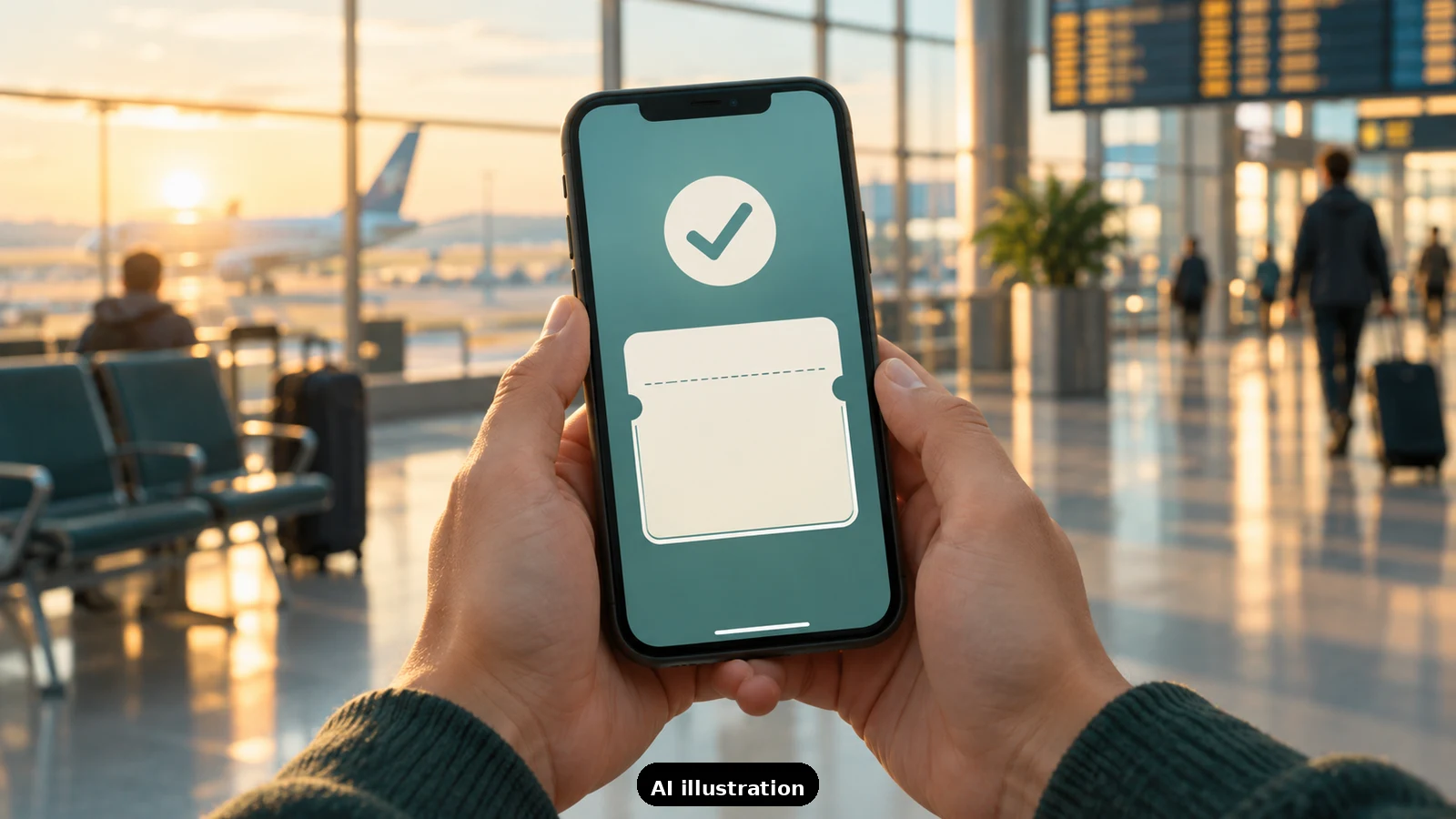
Short answer: do not panic and do not re-check-in. If the app says checked in but will not show a boarding pass, your reservation is almost always intact. Airlines confirm that a missing mobile pass usually means one of four things: the airline still needs to verify a document, your itinerary is not eligible for a mobile pass, the first flight is operated by a partner airline, or the app is showing stale data after a booking change. Work the fixes below in order, and if none lands the pass within your time buffer, the airport kiosk or check-in counter will print one - that is the designed fallback, and it is free.
First, understand what the app is really telling you. A checked-in flag without a pass is often a document-review hold. International itineraries, passport or visa verification, and destination-specific checks can all block the mobile pass while leaving the check-in itself complete - the airline wants a staff member to see your documents before handing over the pass. Some reservations never get a mobile pass at all: airlines list lap infants, unaccompanied minors, group bookings and certain partner or codeshare itineraries as counter-only cases.
The phone fixes, in the order that works. One: pull down and refresh the trip in the app - after any rebooking, aircraft swap or schedule change the app can lag the real reservation. Two: open the airline's website (not the app), retrieve the booking with your PNR and last name, and look for a 'get boarding pass' option there - the website often shows the pass when the app will not. Three: if the website shows your trip correctly, log out of the app and back in. Four: if the pass appears anywhere, save it to your phone's wallet app immediately and take a screenshot as backup. If the website also refuses, stop troubleshooting the phone - the hold is real, not technical.
The partner-airline trap. On connecting itineraries, the boarding pass comes from the airline operating the first flight, not necessarily the one you booked with. If your first segment is a codeshare operated by another carrier, the booking airline's app may show 'checked in' while the operating carrier's app or website holds the actual pass. Check your itinerary for 'operated by' and try that airline's app or site with the same PNR.
The airport fallback is fine - plan for it. Every airline treats the kiosk or counter as the normal backup: Jetstar and Ryanair both state that passengers who checked in but cannot show a pass simply collect one at the airport, and Indian airport counters print boarding passes against your ID and PNR as a matter of routine. For international flights this is even less dramatic - document verification at the counter is standard anyway. The only real risk is time: check-in and bag-drop cutoffs still apply, so leave for the airport with enough buffer to stand in one queue. Screenshot the app's 'checked in' screen before you leave, and carry the ID used at booking.
How TripKeeper travellers avoid the scramble. The day before departure we confirm that check-in is done and boarding passes are actually in hand - saved to the wallet, screenshotted, or flagged for counter pickup when the itinerary needs a document check. If you would like that kind of quiet pre-flight check done for your family, send us a trip-planning inquiry.

A Miranda House graduate and lawyer who traded courtrooms for slow travel. Cheshta travels with the batches we host ourselves, with a soft spot for travelling alongside elders.
Planning your next trip?
We'll handle insurance, hotels, airport assistance and the itinerary — the same way we do it for every trip.
Questions on this article
asked by readers, answered by us
Was this helpful?
one tap, no sign-up