




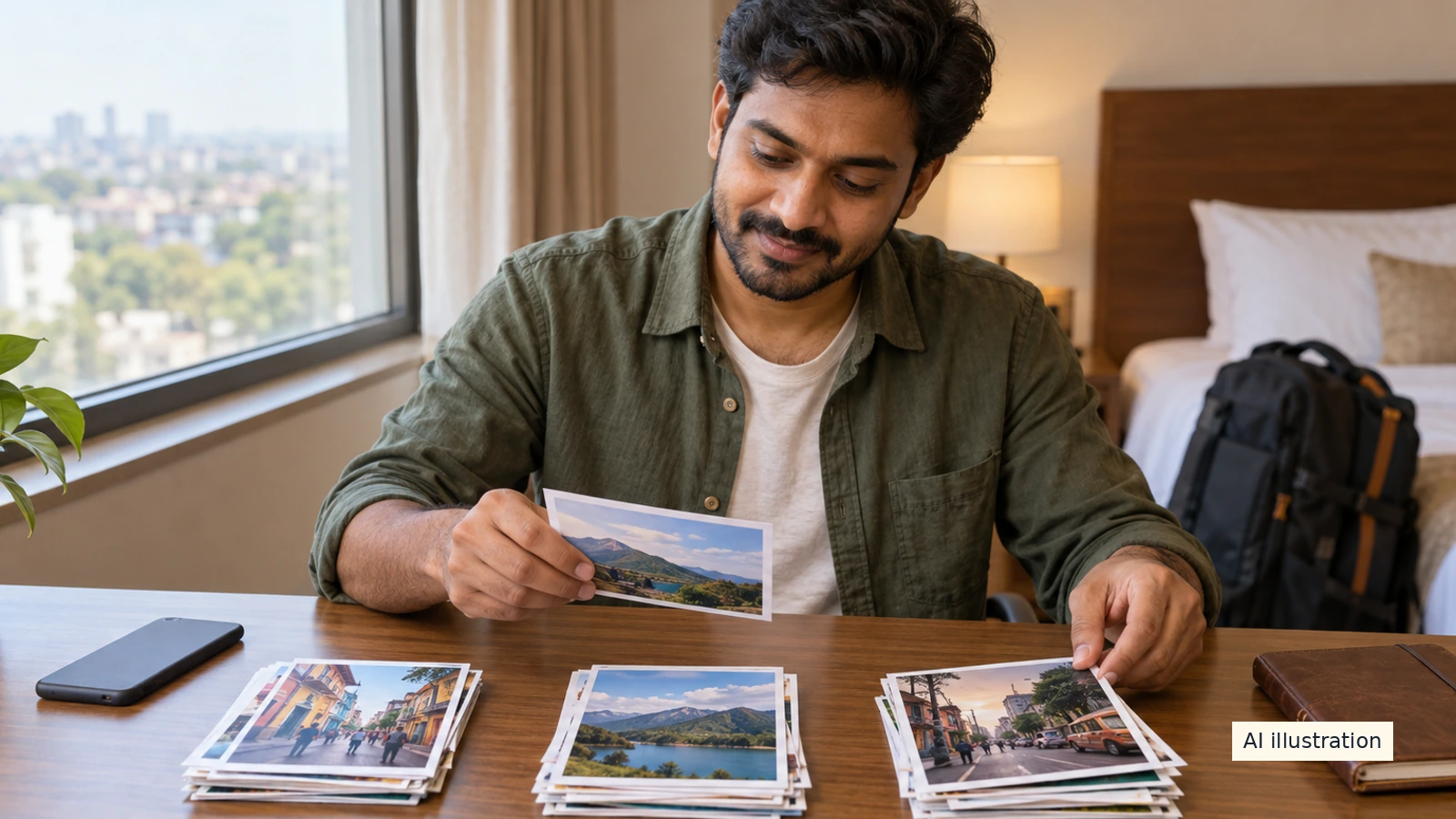
AI illustration: Symbolic photo sorting with fictional prints, not a Google Photos interface or real traveller's album.
A few minutes of sorting can make a holiday easier to remember without turning every evening into a photo-editing shift. Keep the routine small: collect useful pictures, add a clear title and leave irreversible cleanup until you have checked your copies. This guide uses Google Photos on Android; it is not a universal gallery-app walkthrough.
Start with one album for the trip
Google's Android album guide says to open Google Photos, sign in, touch and hold a photograph, select the pictures for the new album and choose Add to album from the menu. Add a title if wanted, then tap Done. Follow the current app labels if your screen differs.
For your own naming routine, choose something easy to recognise, such as a destination and travel month. There is no required naming convention. A short, accurate title is more useful than spending the evening inventing a perfect filing system.
Choose a manageable set each evening
Pick a few photographs that explain the day: a place, an activity and people who are comfortable being included. You do not need to include every near-identical frame. Keep this as selection, not a demand to delete everything else.
Before adding a screenshot, look at what it contains. Reservation references, identity documents and other people's private details do not belong in a casual travel album merely because they are useful to you during the trip. Keep practical private records separate from the set you might later share.
Find and reorder the album
The same Google guide says to use Collections, then Albums on Android. It describes album-list filters and sorting, including album title, last modified and most recent photo. Those controls help you find the album; they do not decide which photographs tell your story.
For the order within an album, the guide describes editing the album and using Sort by for newest, oldest or recently added, or dragging items into place, then tapping Done. If you prefer a daily sequence, use that as a starting point and check the result yourself rather than assuming every camera's clock was correct.
Removing from an album is not deleting from the library
Google says photographs and videos removed from an album remain in the Google Photos library unless deleted from the main Photos section. Use the album's removal action when the intention is only to change the album. Do not treat the main-library delete action as the same command.
This article does not promise that creating an album uploads, backs up or frees device space. Organisation is a separate task from checking backup status and maintaining usable copies. Do not erase a camera card or original phone files merely because a thumbnail appears in a new album.
Check locations before sharing
Google's guide says locations and maps added to an album are included if that album is shared. Before sharing, review the whole album, including added text, maps and locations, as well as the images. Do not rely on the album title alone to judge what another person will see.
Keep the album private while sorting if no audience has been decided. Ask the people involved before choosing an audience for their private moments. This is a suggested privacy habit, not a claim that one album switch covers every possible image or location disclosure.
Finish with a small review, not a late-night purge
Open the album once to check the title, order and selected pictures. Add a short factual note while a place name is fresh if it helps you. Then stop. A modest routine you can keep is more useful than a complicated one abandoned after the first busy day.
After the trip, make any final selection and backup checks before deciding whether to delete originals. An album makes your pictures easier to find; it is not evidence that another verified copy exists.
Quick questions
Does making an album prove the photos are backed up?
No. This guide concerns organisation. Check backup status and usable copies separately before deleting originals.
Does removing a photo from an album delete it from the library?
Google says it stays in the library unless deleted from the main Photos section. Use the action that matches your intention.
Will album maps and locations be shared too?
Google says locations and maps added to the album are included when the album is shared. Review them before sharing.

A Miranda House graduate and lawyer who traded courtrooms for slow travel. Cheshta travels with the batches we host ourselves, with a soft spot for travelling alongside elders.
Planning your next trip?
We'll handle insurance, hotels, airport assistance and the itinerary — the same way we do it for every trip.
Questions on this article
asked by readers, answered by us
Was this helpful?
one tap, no sign-up