




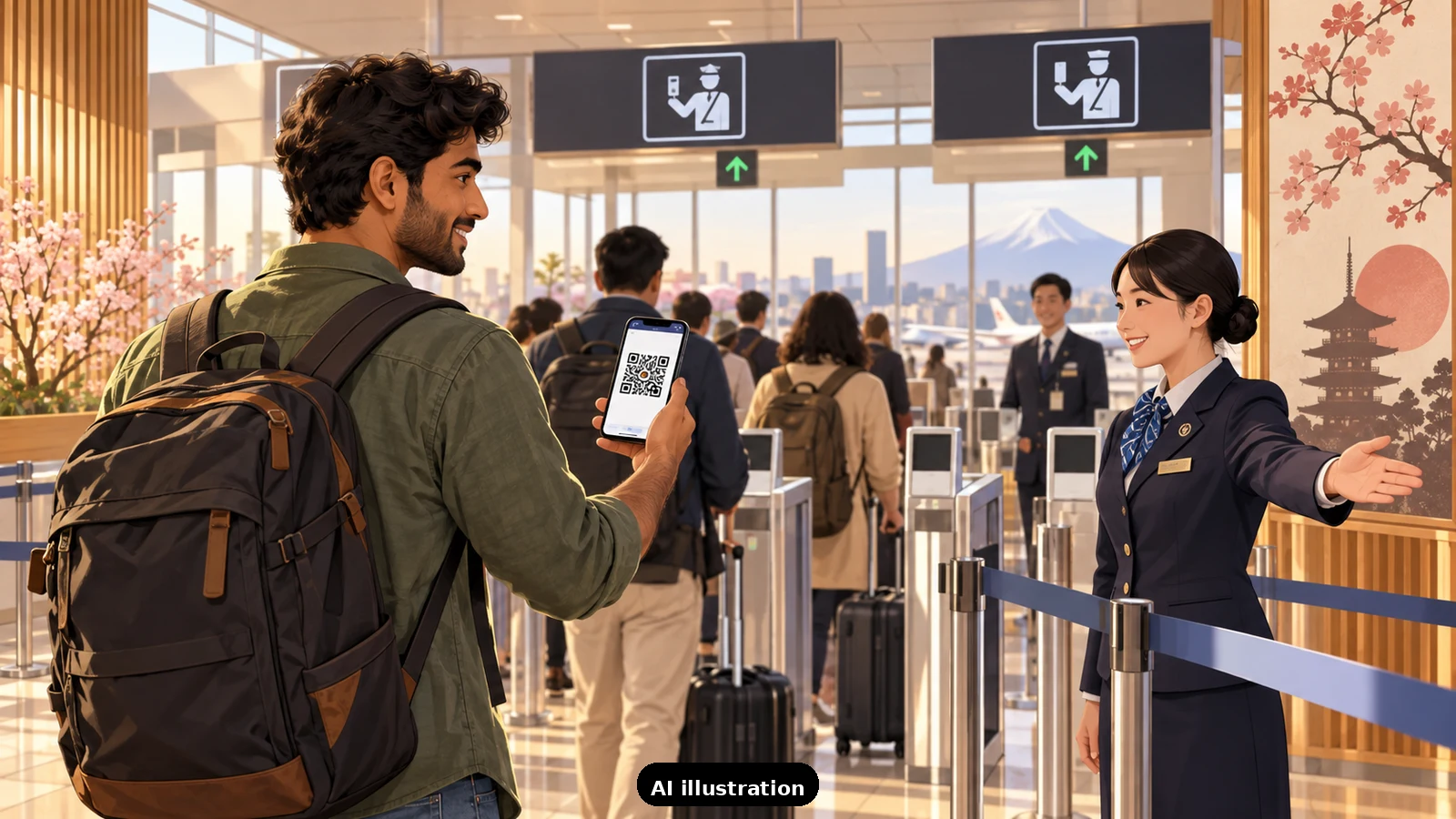
Japan's paper arrival cards are now optional: Visit Japan Web, the official Digital Agency service, lets you register immigration and customs information in advance and show a single QR code at the airport. It is free, it works for tourists from India exactly as for anyone else, and since January 2024 one unified code covers both immigration clearance and the customs declaration. You can also use it for tax-free shopping registration during the trip. Everything you need to register is your passport, your flight details and an email address.
Setting up the account. You register on the official site - vjw-lp.digital.go.jp - with an email address and password. One account can carry your whole family: after entering your own details you add accompanying family members under the same login, and each person gets their own QR codes. Ignore any app store lookalikes; the Digital Agency has warned about fake "Visit Japan Web" apps, and the real thing runs in a browser, not as an app.
Your personal details. This is where Indian names most often go wrong. The form asks for family name and given name separately, and they must match your passport exactly - including order. If your passport prints your surname first, enter it in the family name field even if you use it last socially. Enter date of birth, nationality, passport number and its expiry date exactly as printed. If your passport has no surname (all names in the given-name line, which happens with some Indian passports), follow the form's guidance for that case rather than improvising.
The trip section. For each trip you create a trip record: a name for the trip (anything you like, it is only a label), your arrival and departure dates, and your flight - airline and flight number for the flight that lands in Japan. Then your first accommodation: the hotel's name, its address and its phone number. This trips up more people than any other field, because the address must be complete enough to identify the property - copy it from your hotel booking confirmation rather than memory. If you are staying with friends or family, their home address and phone number go here.
Immigration clearance. Here you declare the purpose of your visit - for most readers, tourism - and your intended length of stay, which should match what your visa and itinerary actually say. If you hold a single-entry tourist eVisa, the numbers should be consistent with it.
Customs declaration. The second registration covers what you are bringing: the standard questions about restricted items, goods over the duty-free allowance, and cash or equivalents over the declaration threshold. Answer honestly; the declaration is the same one the paper form asks, just in advance.
What you get at the end. Two codes - one for immigration, one for customs - which you can screenshot. You will need your phone at the airport to show them; registering from a laptop is fine, but the codes must be presented on a smartphone or tablet at the counters. At immigration you show the first code; after collecting bags, the customs gates read the second. Keep the paper fallback in mind: if your phone dies or the code will not scan, the old paper forms still exist at the airport, and nothing about Visit Japan Web is mandatory.
Timing and upkeep. Fill it in a day or two before you fly, once flights and hotels are final - not weeks ahead when details can still change. One more thing older tutorials get wrong: the service discontinued its substitute-entry feature in June 2025, so each traveller's details now go in as described above. And the codes belong to that specific trip; your next Japan trip needs a fresh trip record, though your account and personal details carry over.
When TripKeeper plans your Japan trip, the arrival paperwork is part of the plan, not an afterthought: we send you the exact accommodation name, address and phone number to paste into the accommodation field, flag the passport name-order issue before you start, and walk anyone in the family through the two QR codes on a call if they want a hand. It is five minutes of preparation that makes the first hour in Japan much calmer.

A Miranda House graduate and lawyer who traded courtrooms for slow travel. Cheshta travels with the batches we host ourselves, with a soft spot for travelling alongside elders.
Planning your next trip?
We'll handle insurance, hotels, airport assistance and the itinerary — the same way we do it for every trip.
Questions on this article
asked by readers, answered by us
Was this helpful?
one tap, no sign-up