




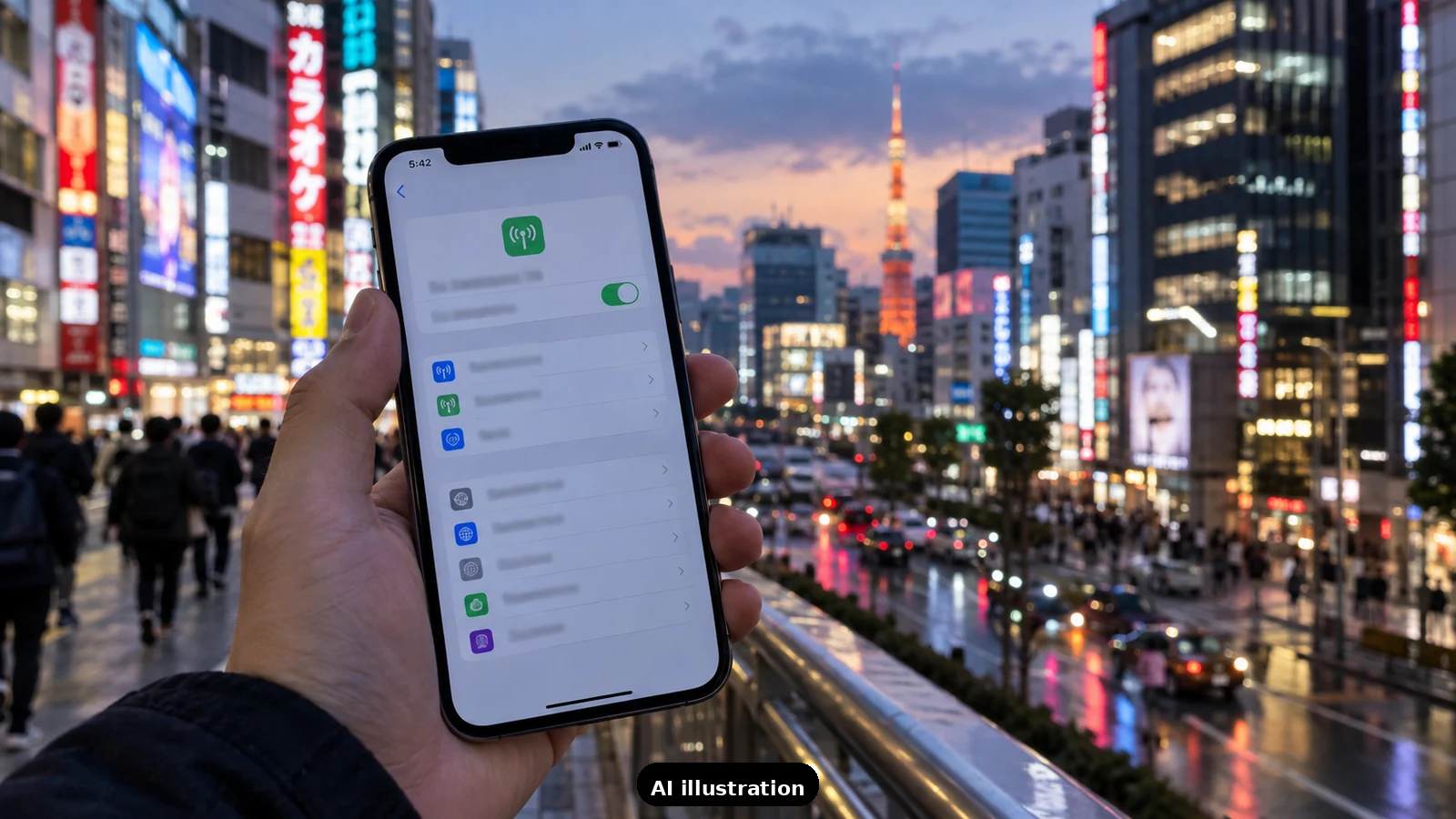
The eSIM is the best connectivity deal in Japan travel: no airport SIM counters, no mailing yourself a pocket wifi, no $10-a-day carrier roaming. For most US iPhone owners the whole setup costs $10-25 for a two-week trip and takes ten minutes. But two things regularly trip people up - a carrier lock they did not know about, and confusion about what happens to their US number. Sort both before departure day.
Step one: the carrier-lock check. An eSIM from a travel provider only installs on an unlocked iPhone. Check in Settings > General > About, and scroll to Carrier Lock. If it reads "No SIM restrictions", you are clear. If it names a carrier, your phone is locked - common when the phone is still on a carrier payment plan or was bought subsidized. Call the carrier; US providers unlock fully-paid phones on request, sometimes after a waiting period, so do this the week you book flights, not the night before you fly.
Hardware: anything from iPhone XS/XR onward works. Apple's eSIM support starts at the iPhone XS, XS Max and XR, and every US iPhone since the iPhone 14 is eSIM-only - there is no physical SIM tray at all. You will need Wi-Fi to install the eSIM profile, which is exactly why you buy and install it at home, days ahead, and not on the jet bridge.
Step two: pick a data plan. Travel eSIMs for Japan are overwhelmingly data-only: maps, translation, browsing, video calls all work; a local phone number and traditional calls/texts do not come with it. For two weeks of maps, train apps, translation and social media, most travelers use 5-10 GB; heavy video users should look at 20 GB or unlimited tiers. Buy from any established travel-eSIM provider, scan the QR code they email, label the line "Japan" when iOS asks, and leave it switched off until you land.
"Will iMessage and FaceTime still work?" Yes - this is the part everyone gets wrong. iMessage and FaceTime are tied to your Apple ID and your US number, not to which SIM provides data. As long as your US line stays active on the phone (keep it installed, just with data roaming OFF), people can iMessage and FaceTime you exactly as before, and it all rides on the Japan eSIM's data. Your US number keeps receiving plain SMS texts too - useful for bank verification codes - without you paying for roaming data.
Step three: the landing-day settings. On arrival: Settings > Cellular. Turn your Japan eSIM ON and set it as the Cellular Data line. Keep your US line ON for calls and texts, but make sure its Data Roaming is OFF - that one toggle is the difference between a $15 trip and a $300 carrier bill. Set your Default Voice Line to the US number so outgoing calls behave normally.
How calls actually work. With a data-only eSIM, "calling" means FaceTime Audio, WhatsApp, LINE (what most Japanese businesses and guides use) or your US line's roaming rates for the rare traditional call. Restaurants and hotels in Japan almost never require you to phone - bookings run through apps, websites and concierge desks - so most travelers never place a cellular call at all.
The pocket-wifi alternative, briefly. Families or groups sometimes prefer a pocket wifi: one rental device, unlimited-ish data, everyone tethers. It costs more than a single eSIM but can beat buying four separate plans, and needs charging and carrying. Solo travelers and couples are almost always better served by eSIMs.
How TripKeeper preps this. Before a team-planned trip, connectivity is one line in the countdown, not an arrival-day scramble: we confirm each traveller's phone is unlocked, recommend the right data tier for the itinerary (a Fuji day trip burns maps data fast), and share the exact settings screenshots for landing day. If a phone turns out to be carrier-locked a week out, there is still time to fix it - that is why we ask early.

A Miranda House graduate and lawyer who traded courtrooms for slow travel. Cheshta travels with the batches we host ourselves, with a soft spot for travelling alongside elders.
Planning your next trip?
We'll handle insurance, hotels, airport assistance and the itinerary — the same way we do it for every trip.
Questions on this article
asked by readers, answered by us
Was this helpful?
one tap, no sign-up