




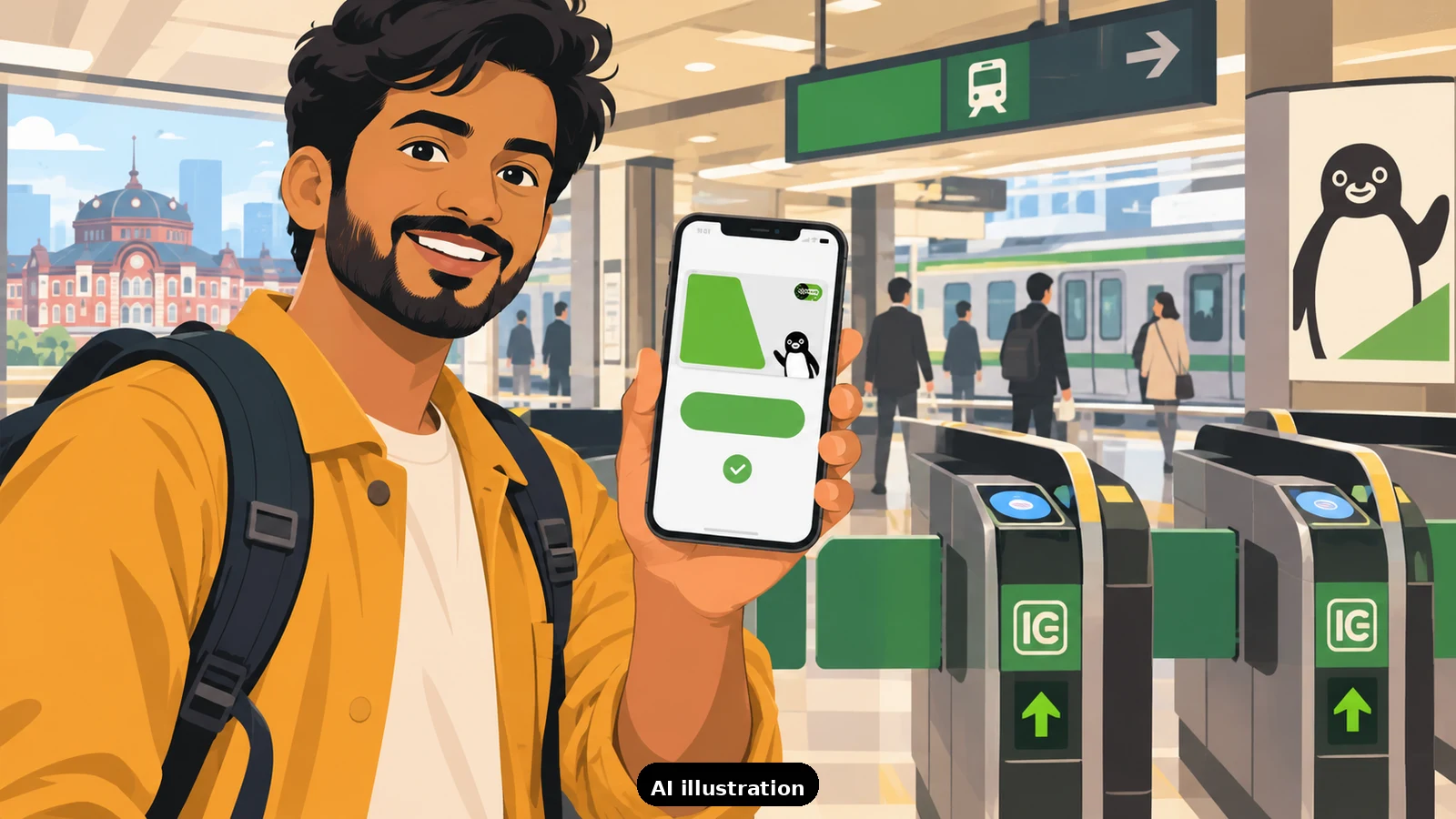
Yes - but not with every card, and the difference between success and a declined top-up usually comes down to the card network, not your bank balance. Suica in Apple Wallet is the single most convenient payment tool for Japan, so it is worth understanding the quirks before you are standing at a ticket gate with a 40 yen balance.
First, the good news. You do not need Apple Pay in India to use Suica in Apple Wallet. Suica is added directly inside the Wallet app (or the Mobile Suica app), and any eligible Indian-issued card already sitting in your Wallet can be used to create and recharge it. Apple lists Suica, PASMO, ICOCA and TOICA as supported transit cards for Japan in Wallet, and once set up, the card taps through gates, konbini, vending machines and many taxis without opening any app.
Why some Indian cards fail. Suica top-ups are processed as stored-value or quasi-cash transactions, which sit in a higher-risk category than an ordinary purchase. Many card issuers - and some networks - apply stricter authentication or outright blocks to this category. Traveller reports and community threads are consistent on the pattern: foreign-issued Visa cards are the most likely to fail Suica recharges, while Mastercard and American Express succeed far more often. This is not an official ban; it is a pile of individual issuer risk rules landing on the same transaction type. If your first recharge fails, the card is the usual suspect, not your iPhone.
Timing matters too. Mobile Suica's systems run maintenance roughly between 1 AM and 4 AM Japan time, and travellers consistently report failed top-ups during that window. Recharge in the evening or morning instead. Also keep your first recharge small - 1,000 yen - to prove the route works before loading 10,000.
Your backup routes. If every card fails in Wallet, you have three solid options. One: buy a physical Welcome Suica or regular Suica at the airport or a major station and recharge it with cash at any ticket machine - machines take notes and coins and have English menus. Two: recharge the physical card at konbini counters with cash. Three: try the other card in your Wallet - switching from a Visa to a Mastercard resolves the failure for most people. A practical setup is Wallet Suica with a Mastercard behind it, plus a modest cash buffer for machines and shrines.
Set it up before the flight. Add Suica to Wallet at home, test a 1,000 yen recharge on the ground in Japan while you are still at the airport (Seven Bank ATMs are right there if you need cash instead), and keep your physical-card backup plan in mind. If your bank blocks the transaction category entirely, a quick call to enable international usage sometimes helps, but some issuers simply will not approve stored-value loads - which is why the Mastercard-first advice exists.
How TripKeeper helps. On our founder-hosted Japan departures, the tour leader walks the group through Suica setup on arrival day, and the pre-departure checklist tells you which card types to pack so your Wallet recharge actually goes through. Independent travellers get the same guidance through the "Plan your trip" inquiry, and if a recharge fails mid-trip, our support team can point you to the nearest working alternative.

A Miranda House graduate and lawyer who traded courtrooms for slow travel. Cheshta travels with the batches we host ourselves, with a soft spot for travelling alongside elders.
Planning your next trip?
We'll handle insurance, hotels, airport assistance and the itinerary — the same way we do it for every trip.
Questions on this article
asked by readers, answered by us
Was this helpful?
one tap, no sign-up